1
01
Pick a Trending Effect
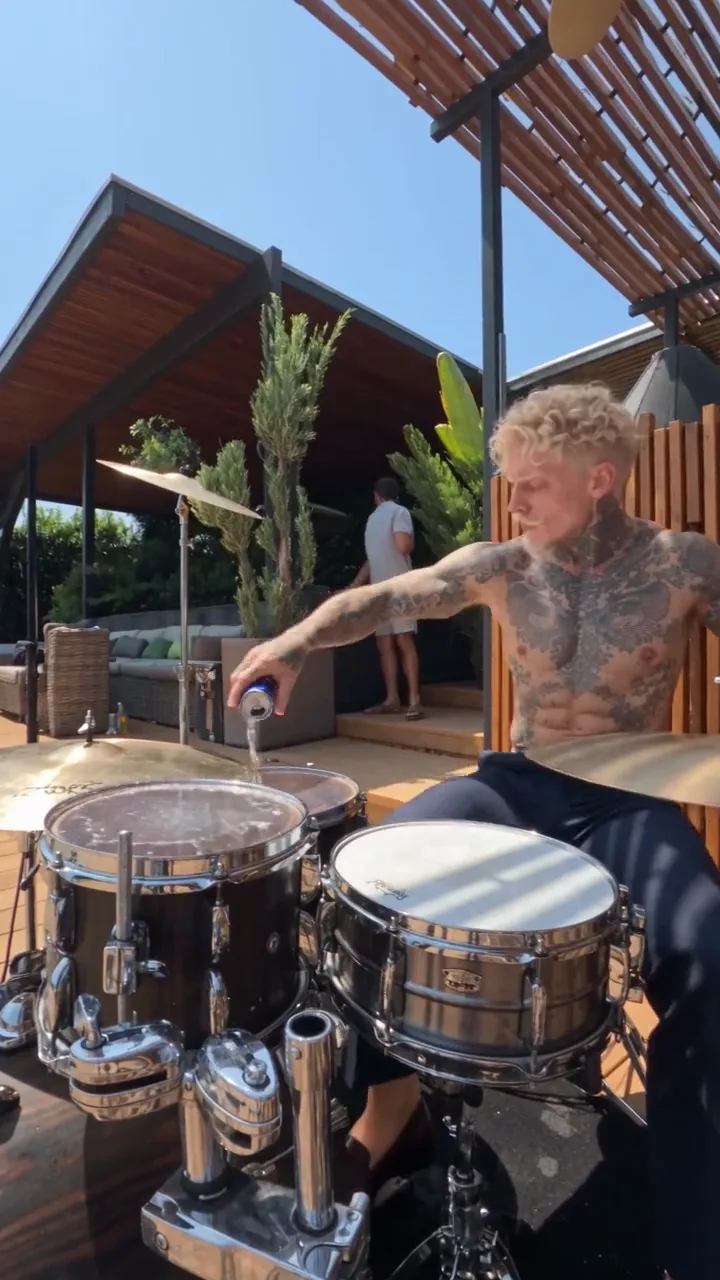
Choose from our latest motion effects—from live poolside drum solos and confetti dances to solo/duo doorway struts and backyard swaps.
1–2 Photos · Synced Native Audio · 9:16 & 16:9
Pick a trending motion effect, upload one or two photos of yourself, friends, or pets, and render a beat-synced vertical or widescreen MP4 with zero prompt writing.
Showing 5 ready-to-render motion effects
Have your own reference video clip?
Upload any 3–10s MP4 or MOV clip and transfer its exact camera and body choreography onto your subject in Motion Control Studio.
The viral music, dance, and comedy clips blowing up across TikTok, Reels, and Shorts right now — pick one, drop in your photo, and make it yours.
Seat yourself or your pet behind a sunlit terrace drum kit for a splashy energy-drink solo.
Try Drummer AI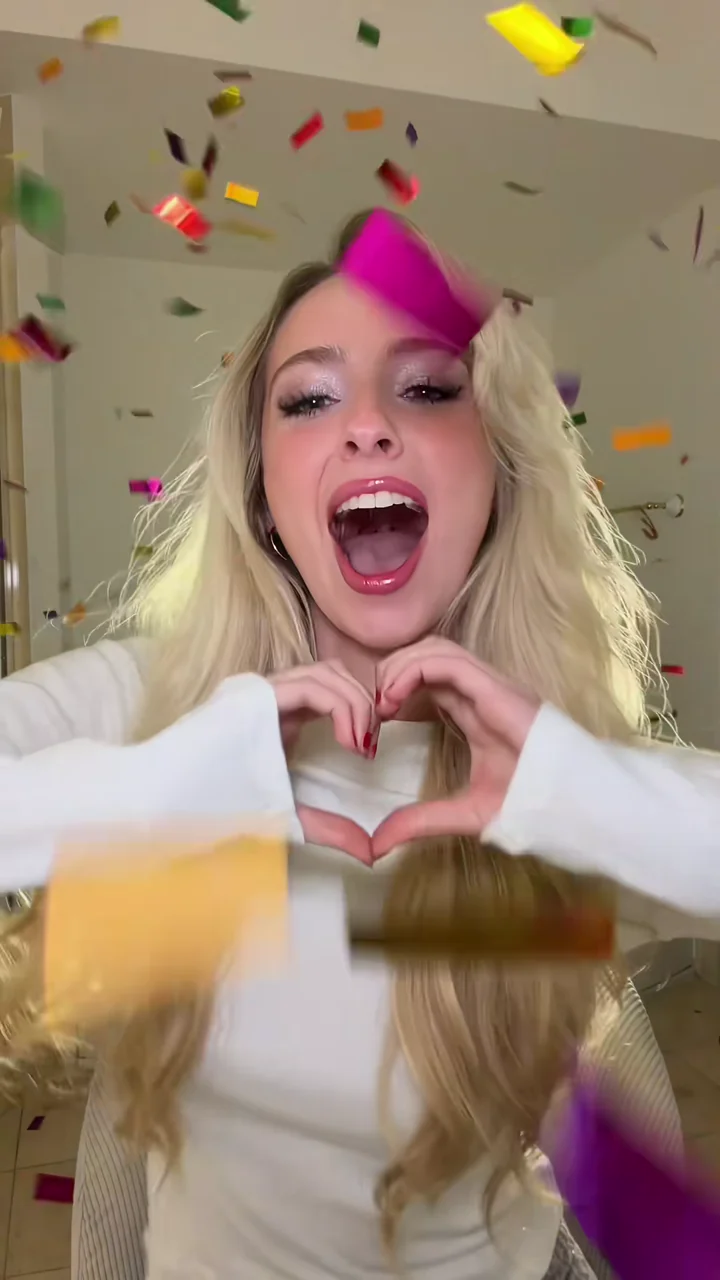 NEW
Transform a portrait into a beat-synced seated dance with chest hand-heart gestures and falling golden confetti.
 NEW
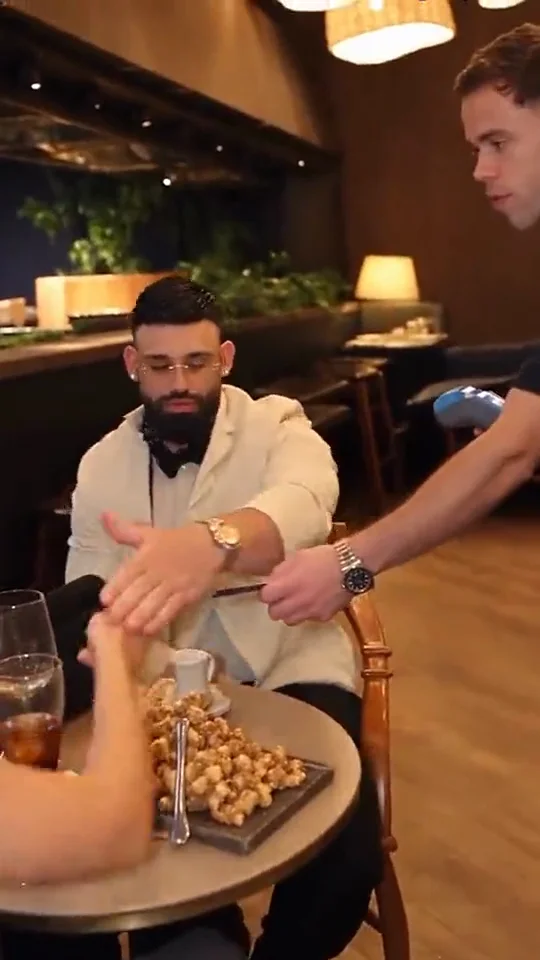
Put anyone in the viral dinner-bill comedy twist: stop your date from paying, then unzip a yellow kitchen sponge.
 NEW
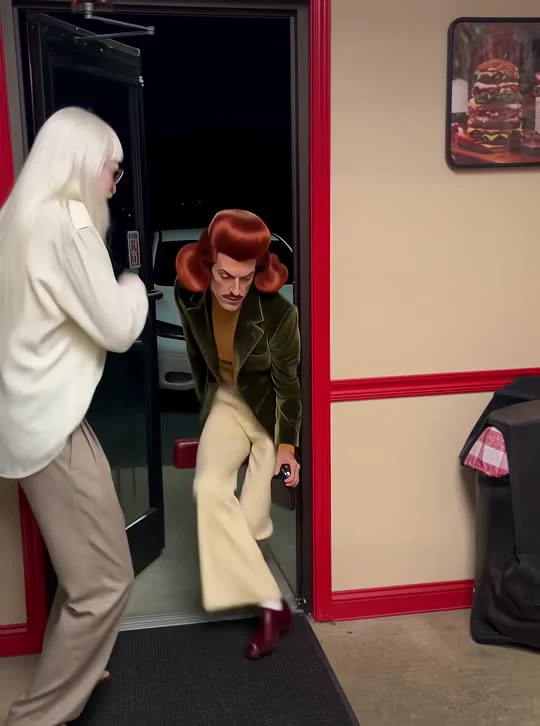
Hold the burger-shop door open and strut in with the low-crouch funk walk and final red-card face fan.
 NEW
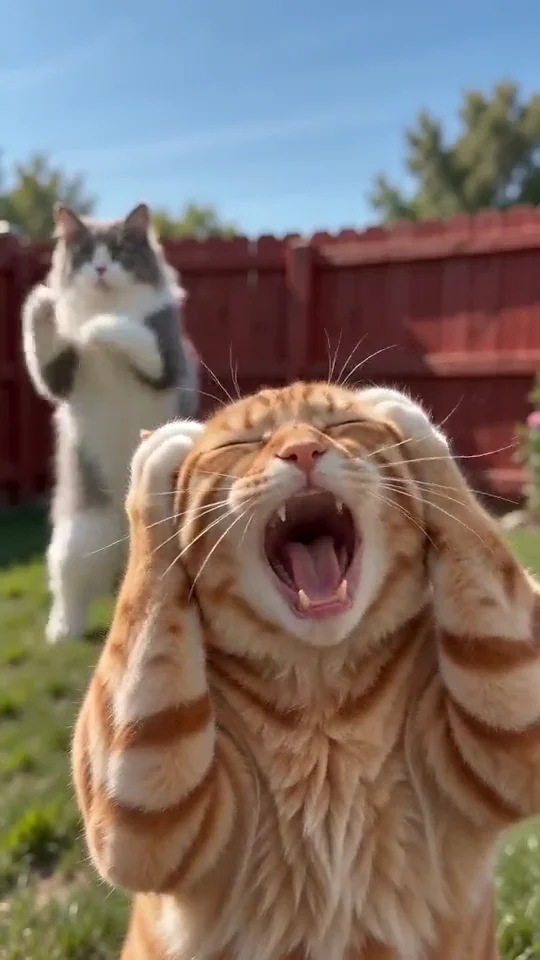
Put two friends or two pets in the viral backyard synth-pop clip—one screams close-up while the other dances behind, then they swap roles!
Choose from our latest motion effects—from live poolside drum solos and confetti dances to solo/duo doorway struts and backyard swaps.
Drop in portraits, full-body shots, avatars, or pet photos. Choose 480p or 720p, 10s or 15s, 9:16 or 16:9, and synced audio.
Preview exact credits upfront. Watch live progress right inside the studio, download your clean MP4, and reuse ready-made captions.
Quick answers on credits, audio sync, pet support, and custom motion control.
Use your existing studio balance or pick up a one-time credit pack — failed renders are automatically refunded.