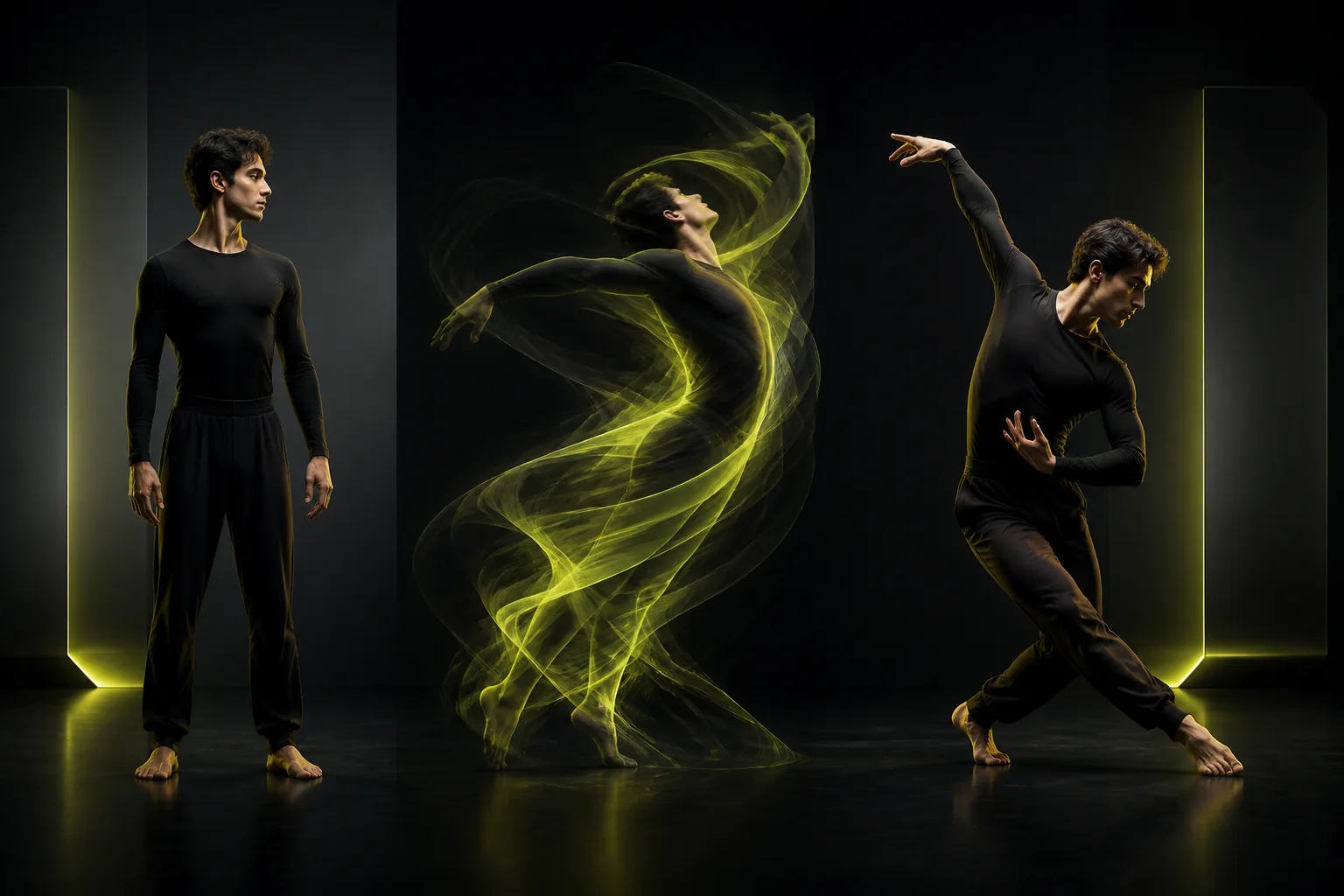
AI Dance Generator Guide: How to Turn Still Photos Into Clean Dance Videos for TikTok & Reels
Step-by-step playbook for turning portraits, full-body photos, pets, and stylized avatars into viral 9:16 AI dance videos with clean beat sync and natural motion.
Short-form dance clips remain one of the highest-retention formats on TikTok, Instagram Reels, and YouTube Shorts—not because viewers want generic AI eye candy, but because seeing an unexpected character hit a familiar beat triggers instant replay value. Whether it is a brand mascot doing a trending footwork routine, a stylized game character hitting a chorus drop, or a corgi executing crisp hip-hop choreography, motion accuracy determines whether viewers watch twice or scroll past in half a second.
With the AI Dance Generator, you do not need keyframes, rigging software, or green screens. You pair one clean character image with a reference dance clip, and Kling 3.0 Motion Control transfers the dancer's rhythm, posture shifts, and timing directly onto your subject.
Here is the production checklist creators use to get crisp, share-ready vertical dance videos on the first few tries.
Why Motion Reference Beats Text-Only Dance Prompts
When you ask a pure text-to-video model for "a streetwear character dancing to upbeat pop music," the model invents generic, repetitive swaying that rarely matches an actual song's BPM. Worse, fast footwork often causes extra limbs or sliding feet.
Motion-reference dance generation flips the architecture:
- Real choreography drives the bones. Every shoulder pop, weight transfer, and head nod comes from a real human performance.
- Your photo locks the look. Wardrobe, proportions, lighting palette, and character identity come from your uploaded still image.
- Original audio stays intact. Enabling sound preservation keeps your choreography aligned to the exact musical phrase you trimmed.
Choosing Photos That Animate Cleanly
Almost any clear single-subject image can dance—real portraits, anime illustrations, 3D vinyl toys, Brand mascots, or upright pet photos—as long as the silhouette gives the motion model clear limb boundaries.
Best Subject Photo Traits
- Visible arms and legs: A standing front or slight three-quarter pose gives the cleanest joint mapping.
- Breathing room around the character: Leave 10–15% margin above the head and below the shoes so jumps and arm raises stay inside the 9:16 frame.
- Distinct contrast from the background: A dark jacket against an equally dark alley makes sleeve edges harder to separate during fast spins.
- Relaxed neutral expression: Starting from a natural expression prevents exaggerated jaw stretching when the head moves.
Photos to Avoid (or Re-Generate First)
- Seated poses paired with standing dance clips.
- Group selfies with two or more faces.
- Extreme wide-angle fisheye selfies where the head is three times larger than the torso.
If you want to design a custom mascot or stylized dancer from scratch, open the AI Image Studio, generate a full-body 9:16 character sheet, and click Animate directly on the finished image card.
Selecting and Trimming the Dance Reference Clip
A 6-to-10 second hook almost always outperforms a rambling 25-second clip on Reels and TikTok—and costs a fraction of the credits.
| Reference Clip Factor | Ideal Setup | Common Pitfall |
|---|---|---|
| Duration | 5–12 seconds focused on the main beat drop | Uploading 30 seconds with slow walk-up dead air |
| Framing | Vertical 9:16 full-body or knee-up framing | Cropped ankles when footwork is the main hook |
| Camera Motion | Tripod-locked or gentle center tracking | Aggressive TikTok zoom-punches on every beat |
| Clothing on Dancer | Fitted or structured clothing showing joint angles | Floor-length oversizedcoats hiding knee bends |
Pro tip: If your favorite reference clip has camera zoom-shakes added in CapCut, pick a cleaner rehearsal version of the choreography instead. Motion transfer reads pixel displacement across the whole frame, so artificial editing shakes can destabilize your generated background.
Recommended Settings for Vertical Social Exports
When configuring your generation on /ai-dance-generator or /create:
- Model:
Kling 3.0 Motion Controlfor strict choreography transfer;Seedance 2.0if you want looser, camera-expressive freestyle motion from a single photo without a reference video. - Aspect Ratio:
9:16for TikTok, Reels, and Shorts (1:1or16:9for Discord, X, and YouTube compilations). - Character Orientation: Choose Match Video whenever the choreography includes turns, side steps, or full-body footwork.
- Resolution: Test timing on a 5-second 720p pass first; render the winning take in 1080p so clothing logos, eyes, and fingers stay sharp after social platform recompression.
Three High-Performing Dance Content Formats
1. Brand Mascot & Product Character Hooks
Turn your brand's illustrated mascot or 3D character into a recurring TikTok personality. Keep one master character PNG in your Assets library so every weekly trend uses the exact same character identity.
2. Stylized Avatar Transformations
Take one choreography clip and run three passes across different visual aesthetics—cyberpunk cel-shaded anime, claymation figurine, and photorealistic streetwear—then cut between them on the beat drop in your timeline editor.
3. Pet & Stylized Creature Comedy Clips
Upright pet portraits or anthropomorphized animal characters generated in Flux.2 Pro or Gemini 3 Pro Image pair surprisingly well with crisp, mid-tempo groove choreography—just keep movements rhythmic rather than acrobatic so proportions stay adorable and intact.
Quick Pre-Publish Checklist
- Check that feet stay grounded relative to the floor shadow.
- Confirm original audio beats land on the sharpest hand or shoulder accents.
- Download the clean, watermark-free MP4 directly from your Studio history before adding native platform captions.
Try your first photo-to-dance clip now on the AI Dance Generator, or grab the $4.90 Starter Trial credit pack on Pricing to batch-test multiple characters and resolutions.
Author
More Posts

AI Video Camera Movement Prompts: Directing Push-Ins, Orbits, Tracking Shots, and Handheld Motion
Master cinematic camera control in Kling 4.0, Google Veo 3.1, and Seedance 2.0 with copy-ready prompt formulas for dolly push-ins, parallax orbits, tracking shots, and tripod locks.
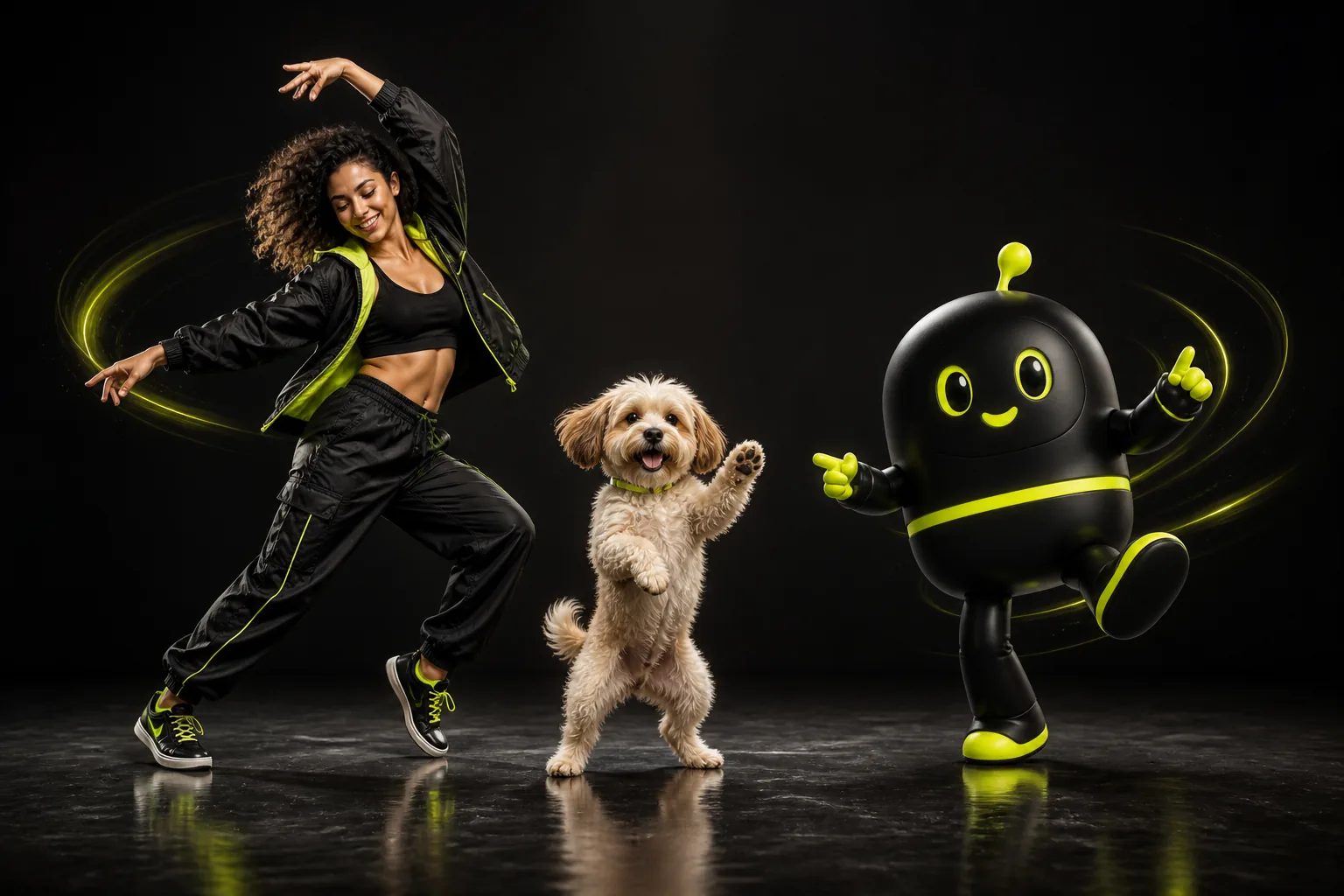
From AI Character Sheet to Motion Video: Combining Seedream 5.0, Flux.2 Pro, and Motion Control
Build consistent original characters in AI Image Studio with Seedream 5.0 Pro, Gemini 3 Pro Image, or Flux.2 Pro, then animate them in one click with Kling Motion Control.

720p Drafts vs 1080p & 4K Masters: How Smart Creators Budget AI Video Credits Without Wasting Renders
A transparent breakdown of AI video credit costs, resolution tiers, draft-to-master workflows, and parallel queue slots so you ship 3x more usable shots per dollar.