

Photo + Motion to Video
AI Dance Generator
Transfer a dance routine to your subject
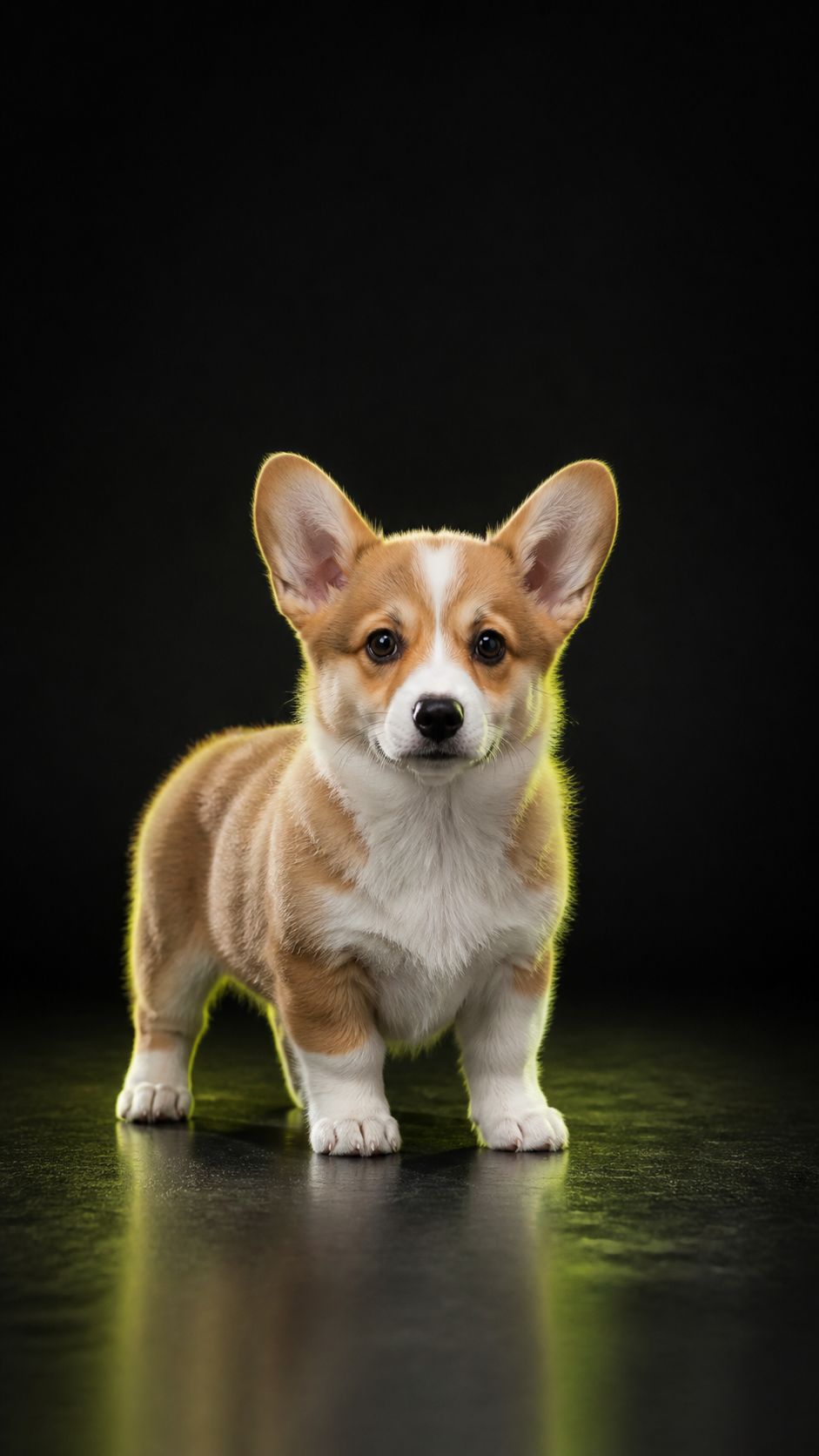
Upload a clear subject image and a short motion reference video. Kling Motion Control maps the movement onto your subject, while an optional prompt guides the scene and visual style.
Try It Now
CREATE YOUR DANCE VIDEO
Add the subject image you want to animate, then add the motion video whose movement you want to copy. The optional prompt can describe the location, lighting, camera, or style.
AI Dance ExamplesCats, dogs, and tiny characters
AI DANCE IN ACTION
Explore playful pet and character dance formats, from solo cat grooves to dog dance crews. Use them as inspiration for the subject and movement you want to create.


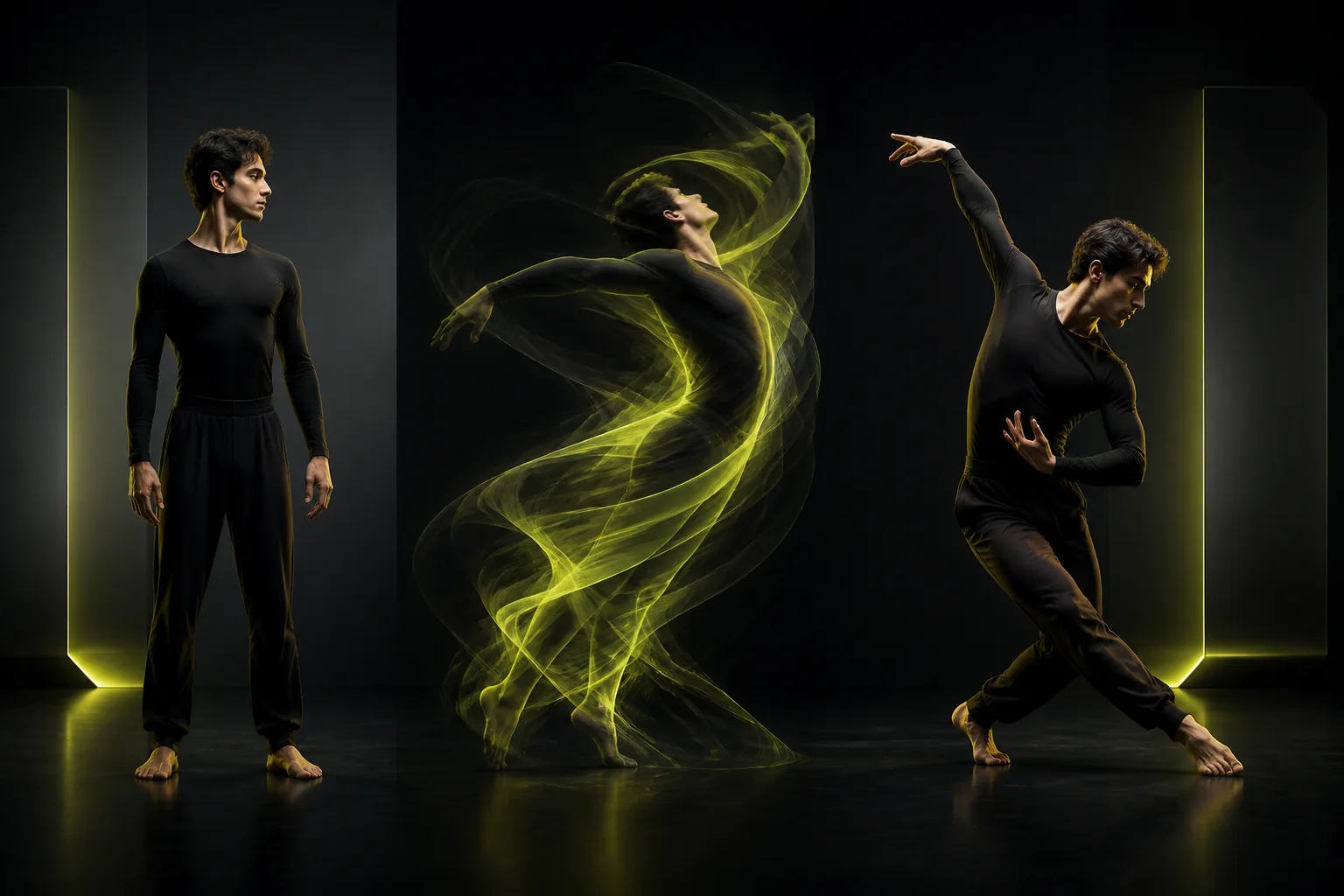
01Subject image
02Motion reference
03Dance result
What Is It
WHAT IS AN AI DANCE GENERATOR?
An AI dance generator transfers movement from a reference video onto the subject in an image. The image controls who appears in the result, while the motion video controls how that subject moves. This makes the workflow more predictable than asking a text-only model to invent a specific routine.
Results still depend on the source media. A clear, full-body subject and a motion clip with the dancer visible throughout usually provide a stronger signal. Every generation uses credits, and the estimated amount changes with the selected model, resolution, and duration.
How It Works
HOW TO MAKE AN AI DANCE VIDEO
Use the two upload roles below to give the model a clear subject and a clear movement source.
1
01
Upload the subject image. Use a sharp photo with one clearly visible person, character, pet, or object. Full-body framing is best when the reference dance includes leg or arm movement.
2
02
Upload the motion video. Choose a short routine with the performer in frame and minimal camera cuts. This clip supplies the movement that will be transferred.
3
03
Set the output. The page starts with a vertical 9:16, 720p, 3-second configuration for short-form video. Adjust the model, quality, or duration and review the updated credit estimate.
4
04
Generate and review. Rendering takes time, so keep the page open while progress updates. Download the result when it is ready, then add music or captions in your editor.
Built for Motion Transfer
CREATE WITH DIFFERENT SUBJECTS
The same two-input workflow can animate people, characters, pets, and stylized subjects when the source image is clear.
People and Characters
Animate a portrait, costume, illustration, or character design with a reference routine.
Short-Form Dance Clips
Create vertical movement studies for Reels, Shorts, and TikTok editing workflows.
Pets and Stylized Subjects
Experiment with clear animal photos or imaginative subjects while keeping expectations realistic.
Kling Motion Control
Use the focused image-plus-video workflow when you need a specific movement reference.
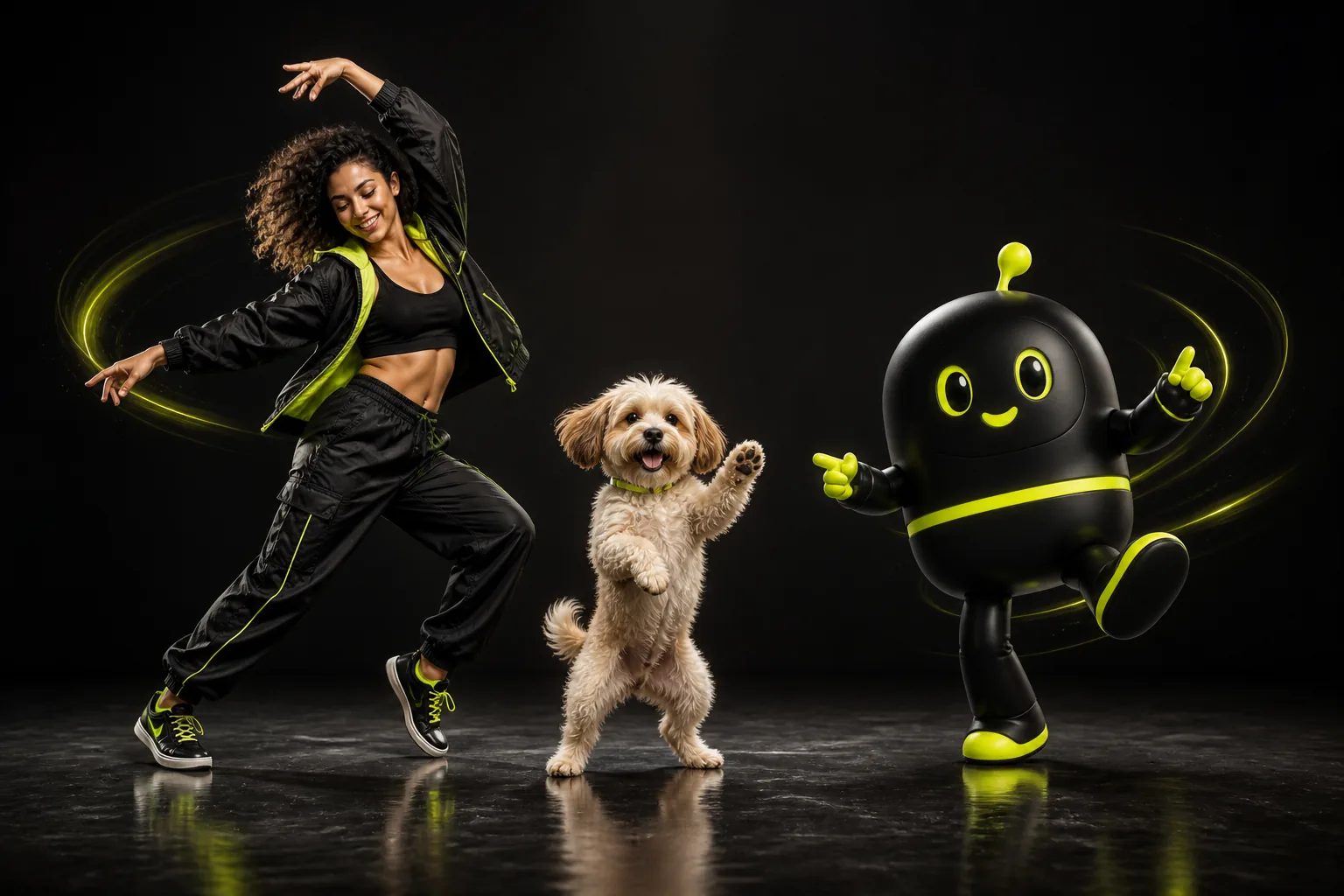
People, pets, and characters
One motion workflow, many creative subjects.
Choose Better Inputs
GET MORE CONSISTENT RESULTS
Start with a Clear Subject
Use a well-lit image with the face and body visible. Avoid heavy motion blur, cropped limbs, and busy backgrounds when the movement depends on those details.
Match the Body Position
A subject whose pose and framing resemble the motion performer gives the model less geometry to invent. This is especially important for pets or stylized characters.
Use a Clean Motion Reference
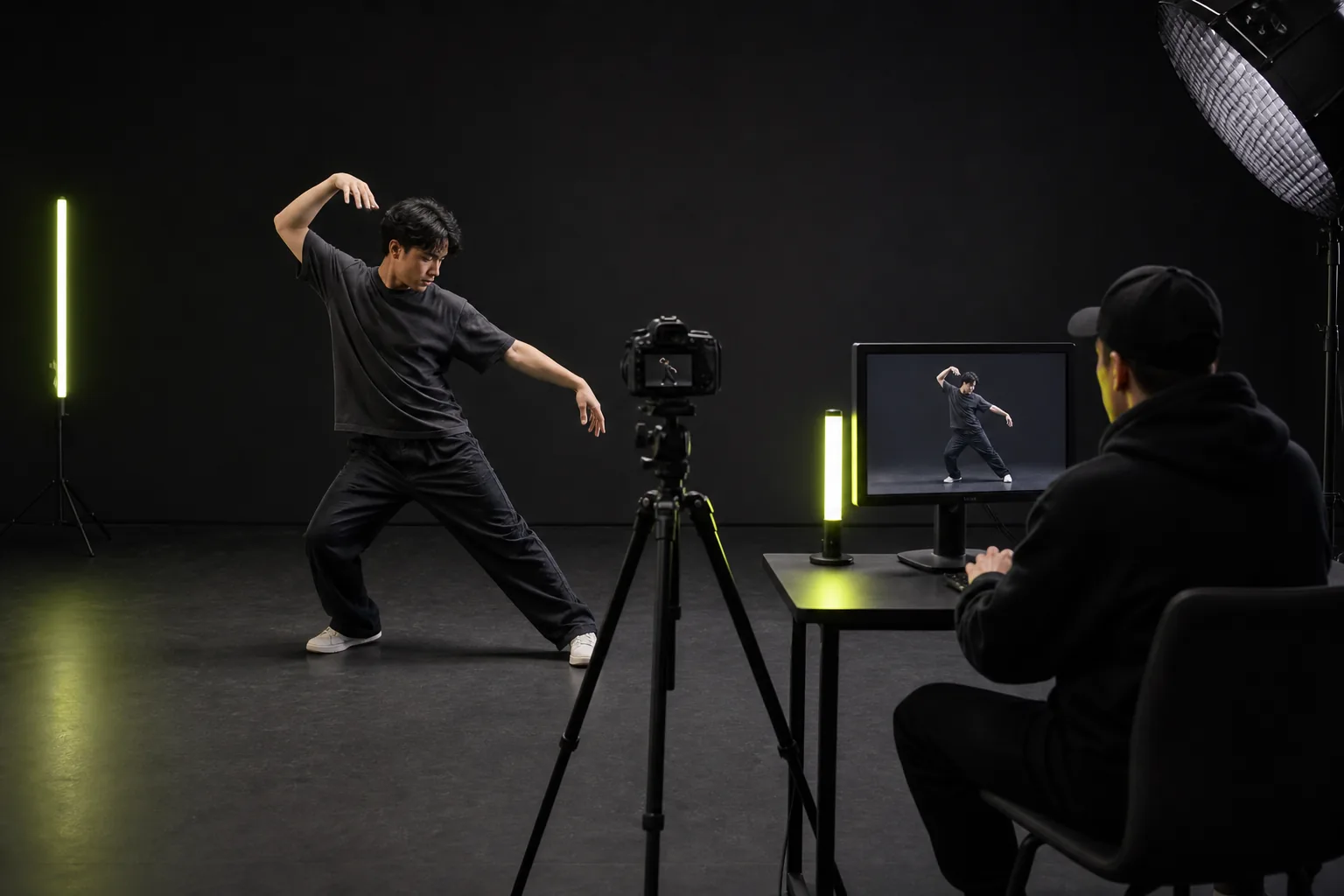
Choose a short clip with one continuous routine, a stable camera, and the performer fully visible. Fast cuts and occlusion make movement transfer harder to interpret.
Practical Tips
PREPARE A SHARE-READY CLIP
1
Start with the 3-second draft setting before spending more credits on a longer or higher-resolution result.
2
Keep important movement inside the frame. Choose 9:16 for vertical social posts and 16:9 for landscape editing.
3
Generate the motion first, then add licensed music, captions, and timing adjustments in your preferred editor.
FAQ
AI DANCE GENERATOR QUESTIONS
Quick answers about source photos, motion references, credits, models, and vertical dance videos.
7 quick answers
It uses a subject image and a motion reference video to create a new clip that follows the reference movement while aiming to preserve the subject's appearance.
AI Motion Control
READY TO MAKE YOUR FIRST AI DANCE VIDEO?
Bring a clear subject image and a short motion reference, review the credit estimate, and create your first vertical motion draft.