NEW · SOLO OR DUO STRUT
Pimpwalk Entrance AI Video Effect
1–2 Photos · Solo or Duo · 10s / 15s · Synced Audio
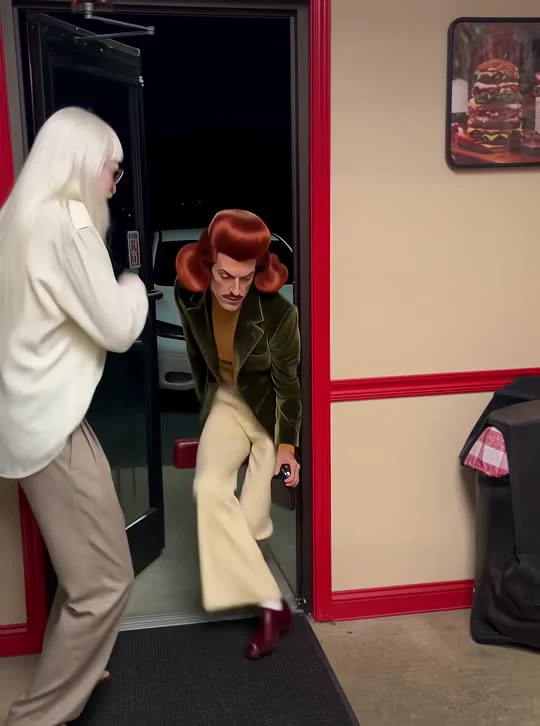
Choose Solo mode to star as the walker or switch to Duo mode to cast a hype friend holding the glass door open—complete with the low-crouch funky strut and close-up red-card fan finish.
CREATE STUDIO
Generate Your Pimpwalk Entrance AI Video
Upload your photo, pick quality and duration, and render in one click.
VIRAL MOTION GALLERYONE-CLICK PHOTO TO VIDEO
Trending Viral Motion Effects
Every clip below was generated from still reference photos using pre-choreographed motion transfer and synced native audio.
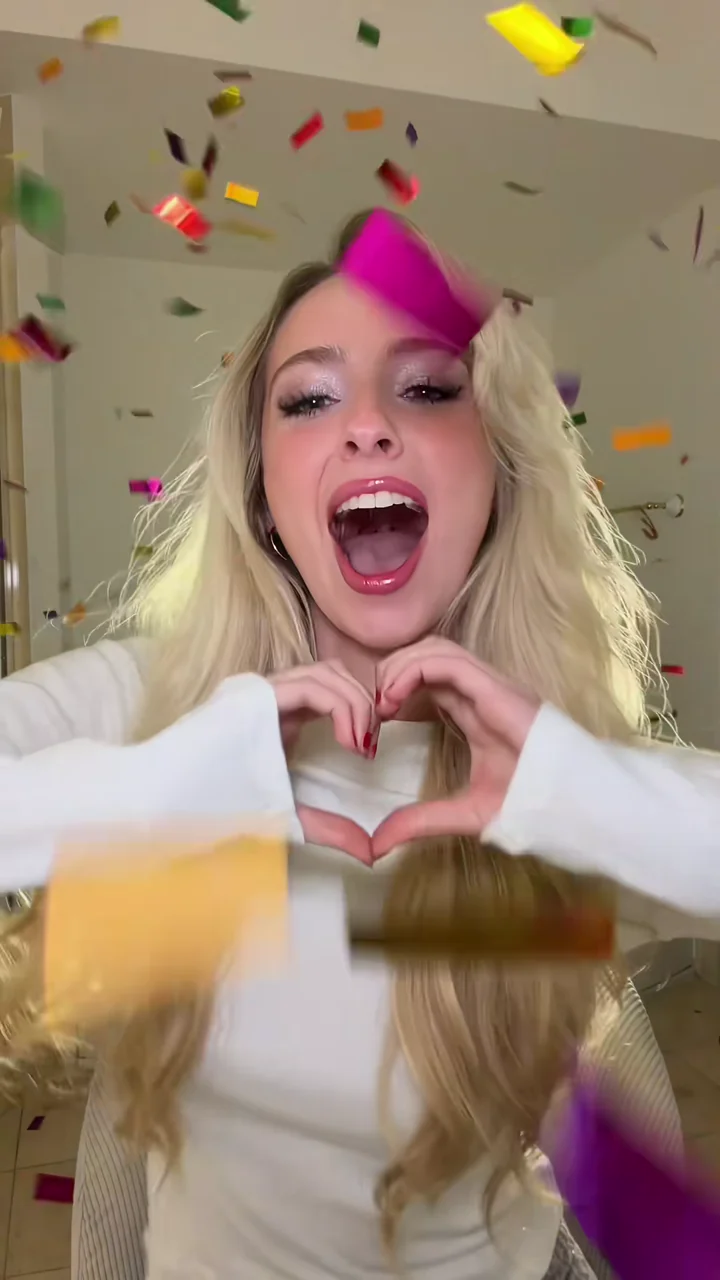
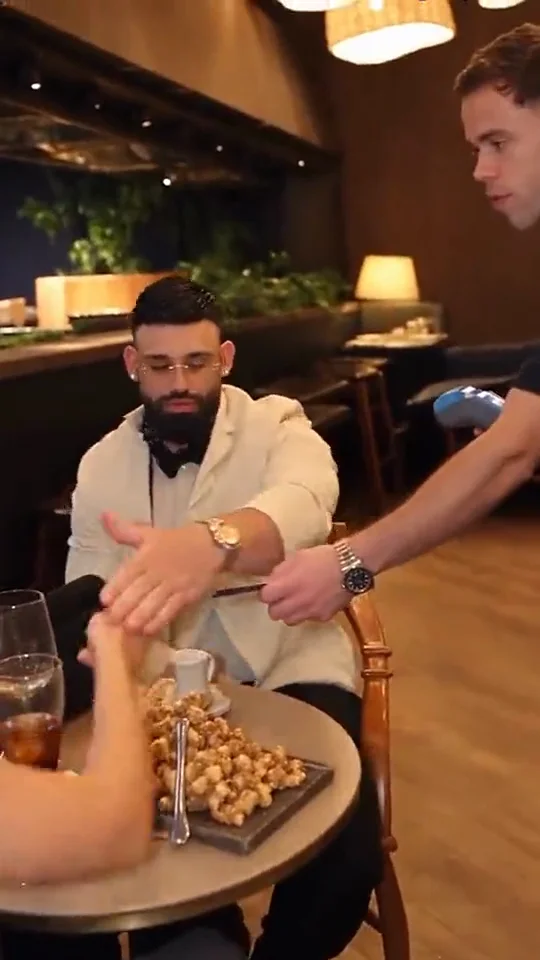
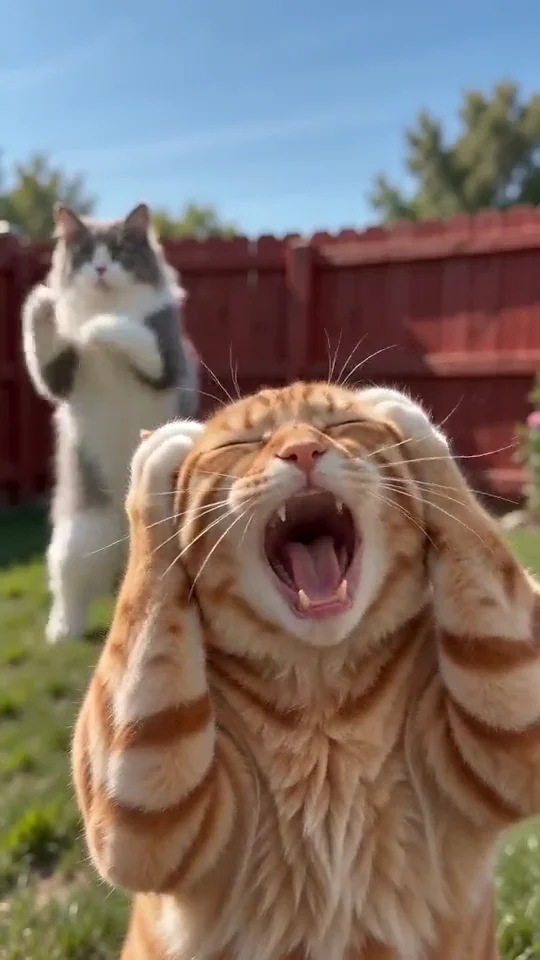
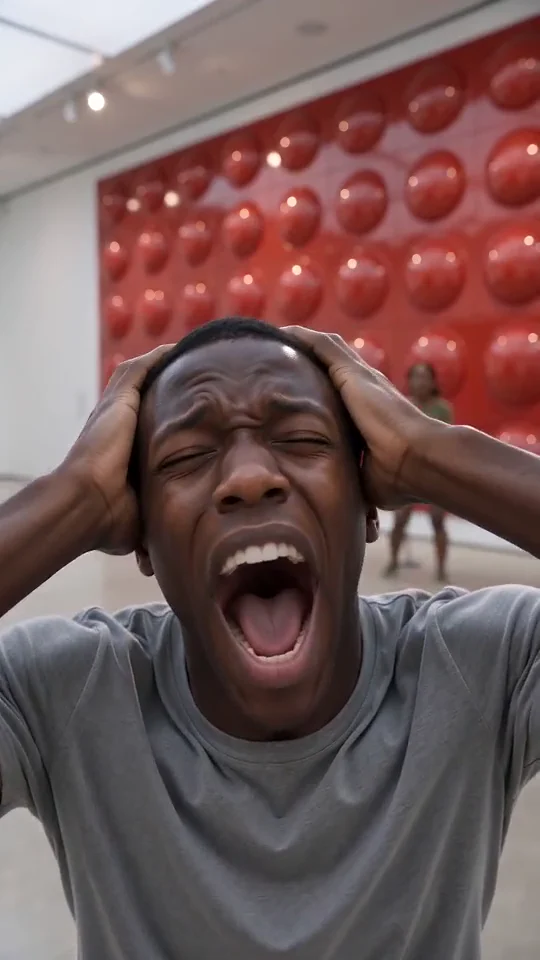
Generated Output
OVERVIEW
What is the Pimpwalk Entrance AI motion effect?
Pimpwalk Entrance AI is a full-body walk-cycle motion effect built for dramatic, comedic arrivals. Inside a retro red-trimmed burger shop, one hype partner holds the glass door open on beat while the main character ducks through the frame in an exaggerated low-crouch funky strut before stepping right up to the lens fanning their face with a red card.
Unlike single-subject filters, AI Motion Control supports both Solo (1 photo) and Duo (2 photos) casting. In Solo mode, your uploaded subject takes the spotlight strut while the door holder stays natural; in Duo mode, you can cast two friends, a couple, or two pets to own both roles in a single unbroken motion shot.
Because full-body crouching walk cycles usually distort legs or blur faces as a subject moves from background doorway to foreground close-up, Pimpwalk Entrance AI calibrates perspective scaling across the entire shop floor so both the swagger walk and the close-up red-card fan finish look razor sharp.
CHOREOGRAPHY BEATS
Pimpwalk Entrance AI choreography breakdown
How AI Motion Control paces camera framing, subject movement, and audio cues across your Pimpwalk Entrance AI clip.
1
01
00:00 – 00:04Door Hold & Entrance Groove
The glass doorway swings open as the door holder bobs to the funky bassline, setting up the entrance reveal on the left side of frame.
2
02
00:04 – 00:10Low-Crouch Full-Body Strut
The main walker glides across the floor mat with deliberate knee-dipping bounce, swagger shoulder tilt, and clean full-body tracking.
3
03
00:10 – 00:15Waist-Up Red-Card Fan Finisher
The walker steps close to the camera for a confident waist-up close-up, coolly fanning their face with a red card on the final beat.
CREATIVE USE CASES
Best Solo & Duo ideas for Pimpwalk Entrance AI
Switch between 1-photo Solo mode and 2-photo Duo mode to build instant entrance memes for friends, teams, and pets.
Friday Clock-Out & Payday Memes
Cast yourself in Solo mode strutting through the burger-shop door for classic "walking into the weekend" or "after passing exams" clips.
Best-Friend Duo Casting
Use Duo mode in Pimpwalk Entrance AI to cast your hype friend holding the glass door while you glide in for the red-card fan close-up.
Boss Cat & Dog Entrances
Pair two pets in Duo mode—one holding the shop door and the other crouching across the floor mat with unmistakable main-character energy.
Squad, Gaming & Streamer Intros
Animate team avatars, cosplay outfits, or Discord friends into a funky retro entrance clip ready for stream starting screens or Reels.
MOTION QUALITY
How Solo & Duo doorway motion transfer works
Depth Tracking From Doorway to Close-Up
The walker starts far back in the open glass doorway and finishes inches from the camera. Calibrated motion control preserves outfit silhouettes during the wide crouch and sharpens facial detail smoothly as the character steps forward.
Clean Role Separation in Duo Mode
When uploading two photos, Slot 1 strictly drives the low-crouch walker and red-card pose while Slot 2 stays anchored on the left holding the door open—preventing identity bleed even when both characters groove together.
10s Entrance Hook vs 15s Full Red-Card Pose
Choose 10 seconds for a quick doorway strut snippet, or pick 15 seconds to land the complete funky cadence all the way through the waist-up red-card fan close-up.
PHOTO PREPARATION
How to pick the best photos for Pimpwalk Entrance AI
1
Full-body or knee-up shines for the Walker
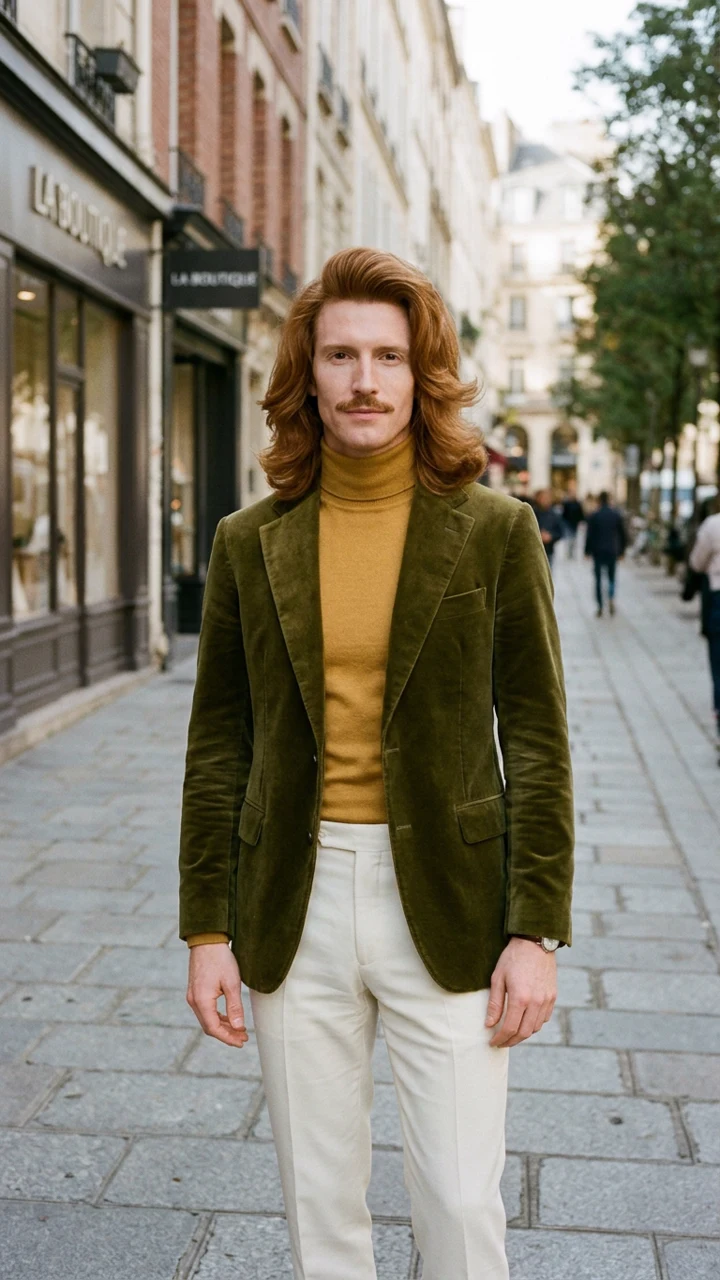
Because the strut shows the full stance and outfit, uploading a full-body or waist-up shot keeps shoes, jacket, and posture super sharp.
2
Pick contrasting outfits in Duo mode
When casting two people or two pets in Duo mode, distinct clothing or fur colors help the model keep both identities cleanly separated.
3
Great for entrances, birthdays & pet memes
Use it for "me walking into Friday" memes, friend-group inside jokes, or casting your cat as the boss entering the diner.
SHARING KIT
Ready-to-Post Captions & Hashtags
Copy a caption tailored for TikTok, Instagram Reels, or YouTube Shorts right after downloading your MP4.
TikTok
How I walk into the room when Friday hits 5:00 PM 🚪🕺
#pimpwalkai#aimotioncontrol#entrance#funkywalk
Instagram Reels
Tag the friend who holds the door for your dramatic entrance.
#pimpwalkentrance#aivideoeffect#duomeme#reels
YouTube Shorts
Turned two photos into the viral doorway strut entrance.
#pimpwalkai#shorts#aivideogenerator#comedy
CHOOSING YOUR WORKFLOW
One-Click Pimpwalk Entrance AI Preset vs Custom Motion Control
Use the pre-calibrated preset above for instant results from still photos, or switch to Custom Motion Control Studio whenever you want to upload your own reference video.
Instant Preset Workflow
Best for fast Pimpwalk Entrance AI clips
Upload one or two clear photos and render immediately with zero prompt writing, zero video hunting, and pre-tuned camera framing, beat timing, and synced audio. Ideal when you want a polished social post in minutes.
Custom Reference Studio
Best for custom choreography & camera moves
Already filmed your own dance clip, product pan, or acting reference? Open Motion Control Studio to upload any 3-to-10-second MP4 or MOV reference and rebuild that exact motion onto your still image with shared account credits.
MORE EFFECTS
Try Other Viral Motion Effects
FAQ
Frequently Asked Questions
Everything you need to know about photo setup, synced audio, aspect ratios, and credits.
7 quick answers
Yes! Toggle between Solo (1 photo) and Duo (2 photos) right inside the generator panel. In Duo mode, Photo 1 performs the doorway strut and red-card fan close-up, while Photo 2 holds the glass door open and grooves beside the entrance.
AI Motion Control
Ready to Create Your Video?
Upload your photo into the studio above or top up with a one-time credit pack — failed renders are always refunded.