NEW · DANCE MOTION EFFECT
Boom Clap AI Dance Video Effect
1 Photo · Solo or Pet · 10s / 15s · Synced Audio
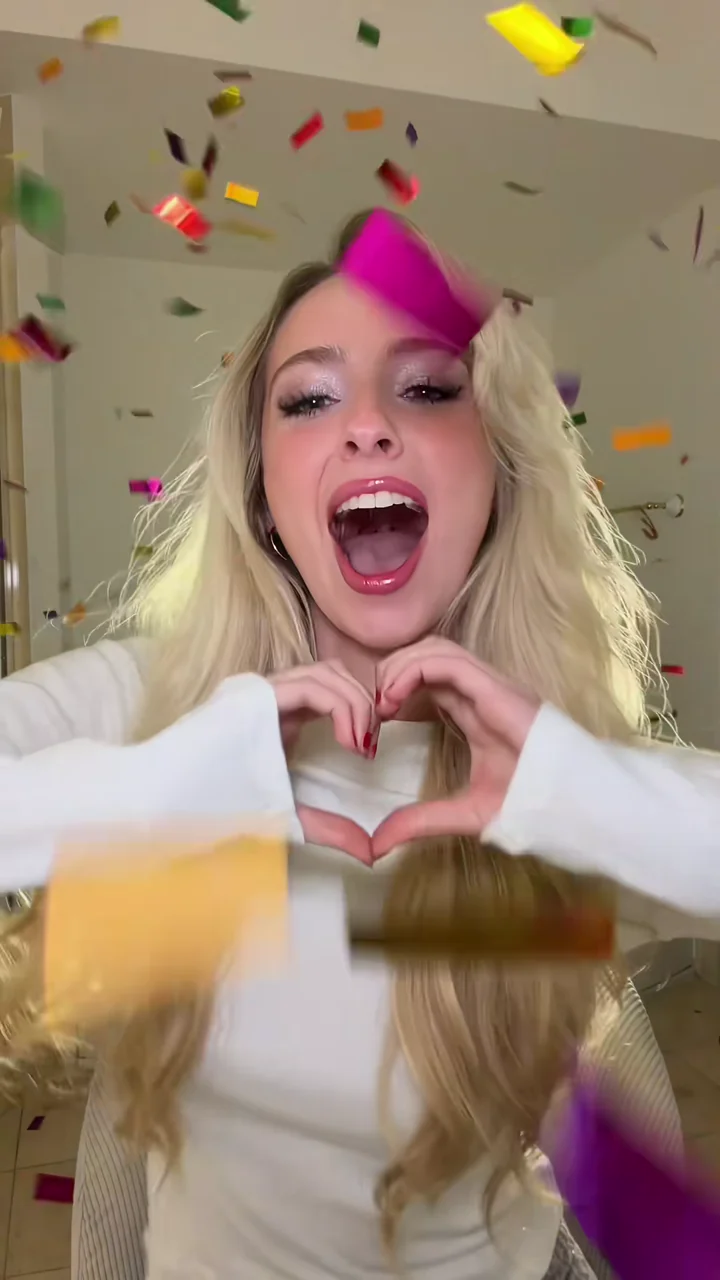
Animate any single portrait into an upbeat warm-lit dance clip—complete with rhythm-locked hand-heart pulses, crisp X-arm hits, and a shimmering cascade of metallic confetti and gold streamers.
CREATE STUDIO
Generate Your Boom Clap AI Video
Upload your photo, pick quality and duration, and render in one click.
VIRAL MOTION GALLERYONE-CLICK PHOTO TO VIDEO
Trending Viral Motion Effects
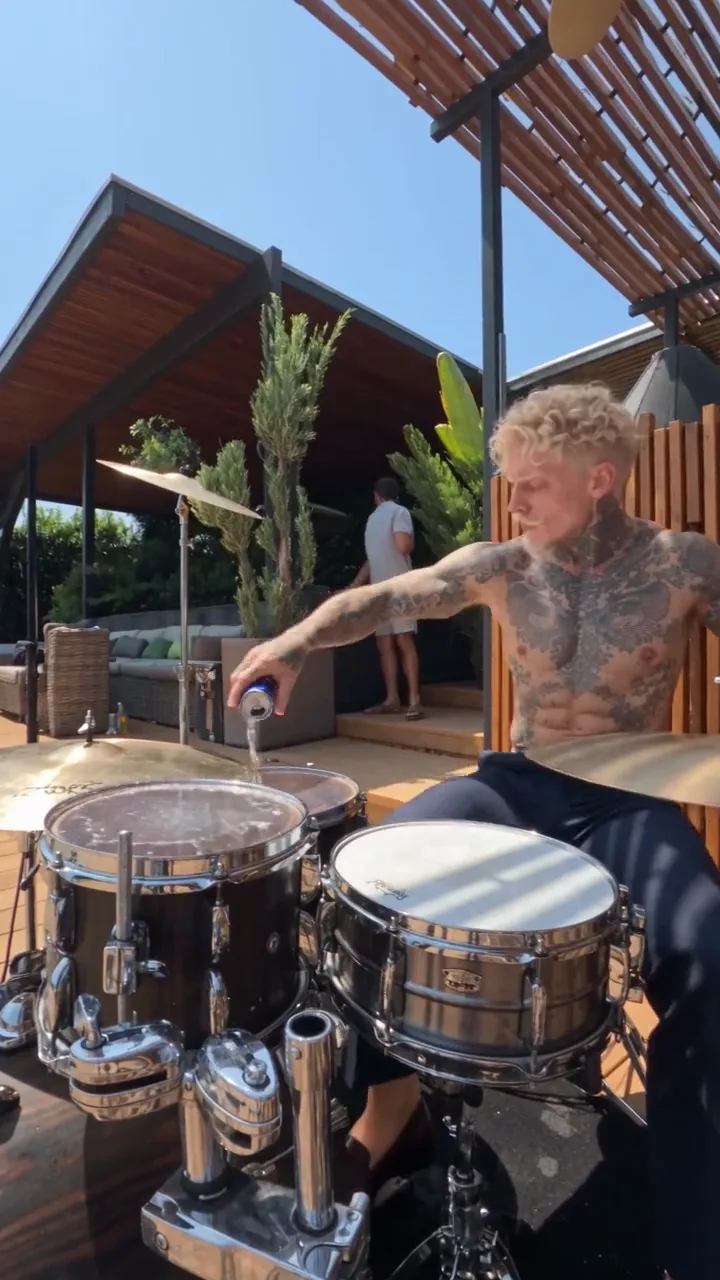
Every clip below was generated from still reference photos using pre-choreographed motion transfer and synced native audio.
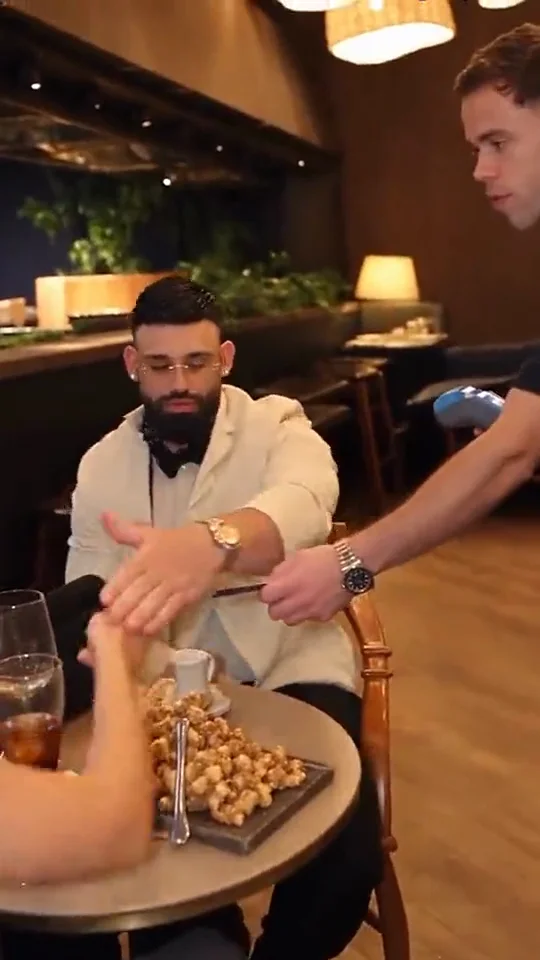
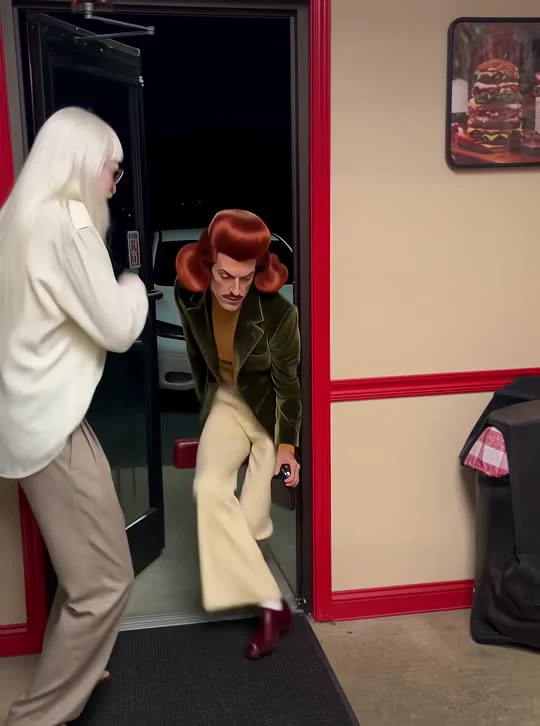
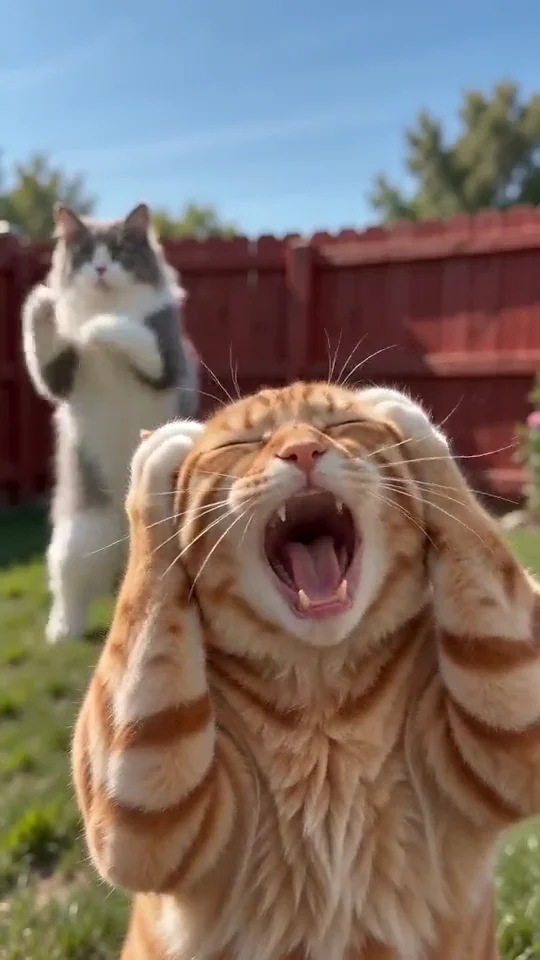
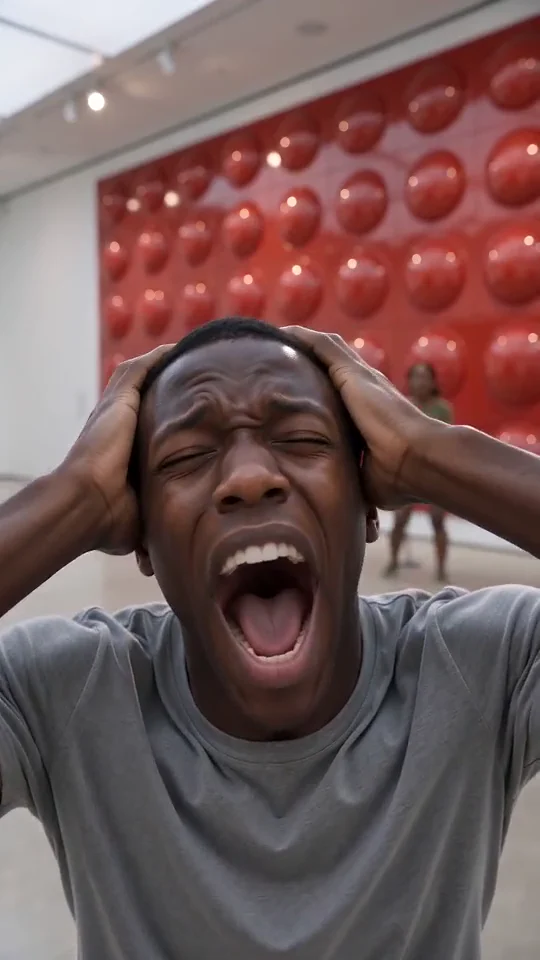
Generated Output
OVERVIEW
What is the Boom Clap AI dance effect?
Boom Clap AI is a close-up, high-expression motion effect designed around punchy pop-chorus timing. Starting from a single still image, AI Motion Control seats your subject in a warmly lit vanity-room frame and drives every hand gesture, shoulder bounce, and lip-sync beat in time with the double drum-and-clap hits.
Unlike generic image animators that only add subtle head sway, this effect transfers explicit upper-body choreography—including the signature chest hand-heart pulse and crossed-arm accent—while metallic confetti and golden ribbons drift across the foreground for instant social-ready polish.
Because every gesture lands directly on the chorus percussion, a Boom Clap AI clip feels immediately native to TikTok, Reels, and YouTube Shorts without manual keyframing, green screens, or particle overlays. Upload a single portrait, pick 480p or 720p, and download a celebration-ready video in minutes.
CHOREOGRAPHY BEATS
Boom Clap AI choreography breakdown
How AI Motion Control paces camera framing, subject movement, and audio cues across your Boom Clap AI clip.
1
01
00:00 – 00:03Warm Close-Up & First Boom-Clap Hit
Chest-up vertical framing centers your subject in the ribbed chair as the opening double-beat lands with crisp shoulder and hand-heart timing.
2
02
00:03 – 00:07Confetti Drop & X-Arm Cross
Multicolor confetti and golden streamers cascade from the top edge while the performer hits the signature crossed-arm chorus gesture.
3
03
00:07 – 00:13Second Chorus Accent & Finisher
Upbeat lip-sync rhythm, sparkling streamer depth in front of and behind the subject, and a confident camera-facing close.
CREATIVE USE CASES
Best ways to use Boom Clap AI
Warm celebratory lighting and close-up hand beats make this dance effect versatile across personal clips, pet memes, and creator intros.
Birthday & Milestone Shoutouts
Turn a friend’s favorite portrait into a golden confetti dance video for instant birthday stories, graduation posts, or celebration replies.
Selfie-to-Dance Social Reels
Convert a single well-lit selfie into an upbeat Boom Clap AI clip with crisp hand-heart pulses and layered metallic streamer depth.
Cute Pet Celebration Clips
Front-facing cat and dog portraits sit naturally in the warm vanity chair while multicolor confetti showers down around their ears.
Character & OC Fan Edits
Animate illustrated characters, cosplay portraits, or stylized 3D avatars with rhythmic chorus lip-sync and warm brass studio ambience.
MOTION QUALITY
Inside the Boom Clap AI motion transfer
Natural Finger & Hand-Heart Tracking
Close-up hand choreography is notoriously hard for standard video models. Boom Clap AI maps calibrated wrist angles and arm crossings from the reference clip while preserving your subject’s skin tone, sleeves, and facial expression.
Foreground & Background Confetti Depth
Instead of pasting a flat 2D sticker over your image, the motion pass renders gleaming confetti flakes and gold streamers both in front of and behind your shoulders so lighting reflects naturally across hair and fabric.
Native Chorus Beat vs Platform Sound
Keep synced native audio switched on for punchy double drum-and-clap hits right out of the box, or toggle audio off if you want to pair a trending licensed track inside the TikTok or Instagram Reels editor.
PHOTO PREPARATION
Best photo setup for clean facial & hand sync
1
Centered chest-up portrait
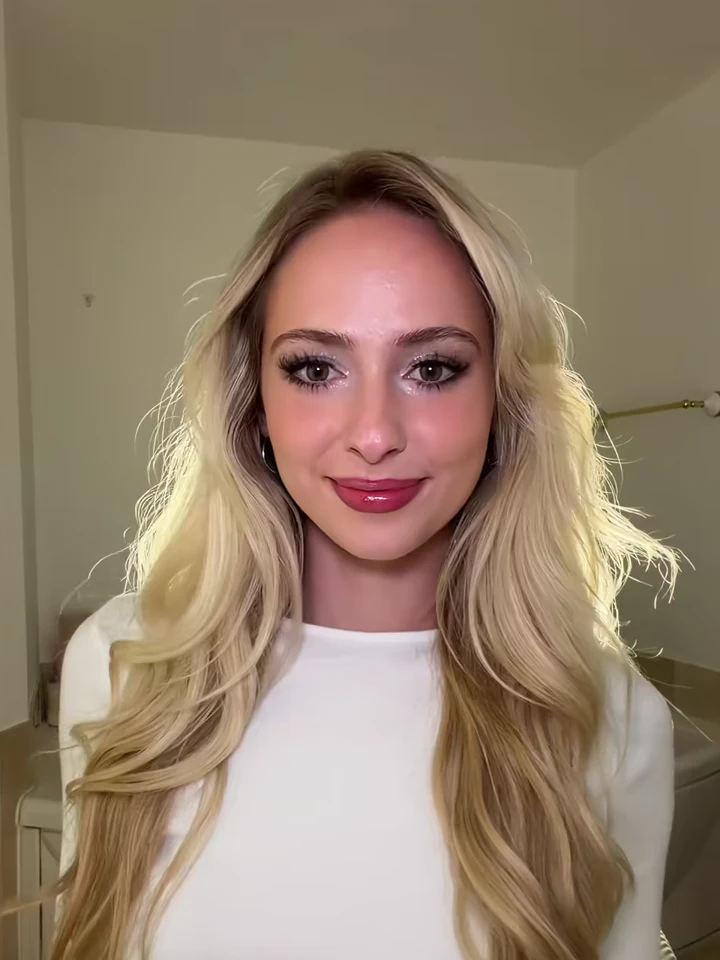
Because the camera stays close to the face and shoulders, a crisp selfie or waist-up portrait preserves the sharpest facial identity.
2
Keep outfits simple and clear
Distinct clothing colors look fantastic under the warm vanity lighting and contrast cleanly against the falling metallic confetti.
3
Works for avatars, friends & pets
Try stylized anime art, couple selfies cropped to one subject, or front-facing pet portraits for playful celebration clips.
SHARING KIT
Ready-to-Post Captions & Hashtags
Copy a caption tailored for TikTok, Instagram Reels, or YouTube Shorts right after downloading your MP4.
TikTok
The confetti drop on the second beat hit way too clean ✨🎉
#boomclapai#aimotioncontrol#aidance#tiktoktrend
Instagram Reels
One selfie + one click = instant confetti dance clip.
#boomclapai#aivideoeffect#motioncontrol#reels
YouTube Shorts
Testing the Boom Clap AI confetti motion effect on a single photo.
#boomclapai#shorts#aivideogenerator#aidance
CHOOSING YOUR WORKFLOW
One-Click Boom Clap AI Preset vs Custom Motion Control
Use the pre-calibrated preset above for instant results from still photos, or switch to Custom Motion Control Studio whenever you want to upload your own reference video.
Instant Preset Workflow
Best for fast Boom Clap AI clips
Upload one or two clear photos and render immediately with zero prompt writing, zero video hunting, and pre-tuned camera framing, beat timing, and synced audio. Ideal when you want a polished social post in minutes.
Custom Reference Studio
Best for custom choreography & camera moves
Already filmed your own dance clip, product pan, or acting reference? Open Motion Control Studio to upload any 3-to-10-second MP4 or MOV reference and rebuild that exact motion onto your still image with shared account credits.
MORE EFFECTS
Try Other Viral Motion Effects
FAQ
Frequently Asked Questions
Everything you need to know about photo setup, synced audio, aspect ratios, and credits.
7 quick answers
Upload one clear image, choose your resolution (480p or 720p), duration (10s or 15s), and aspect ratio (9:16 or 16:9), then click Generate. Our server automatically pairs your photo with the pre-calibrated Boom Clap motion reference—no prompt writing needed.
AI Motion Control
Ready to Create Your Video?
Upload your photo into the studio above or top up with a one-time credit pack — failed renders are always refunded.