
NEW · MUSIC MOTION EFFECT
Drummer AI Video Effect & Generator
1 Photo · Solo or Pet · 10s / 15s · Synced Audio
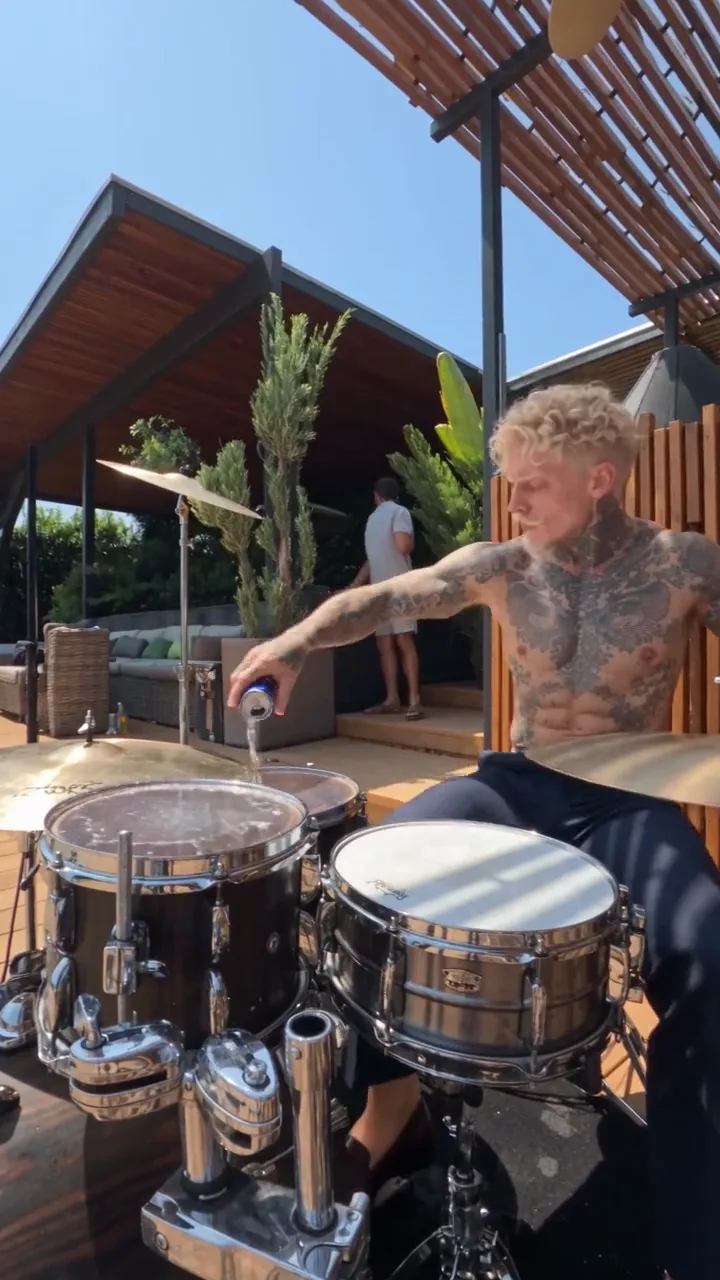
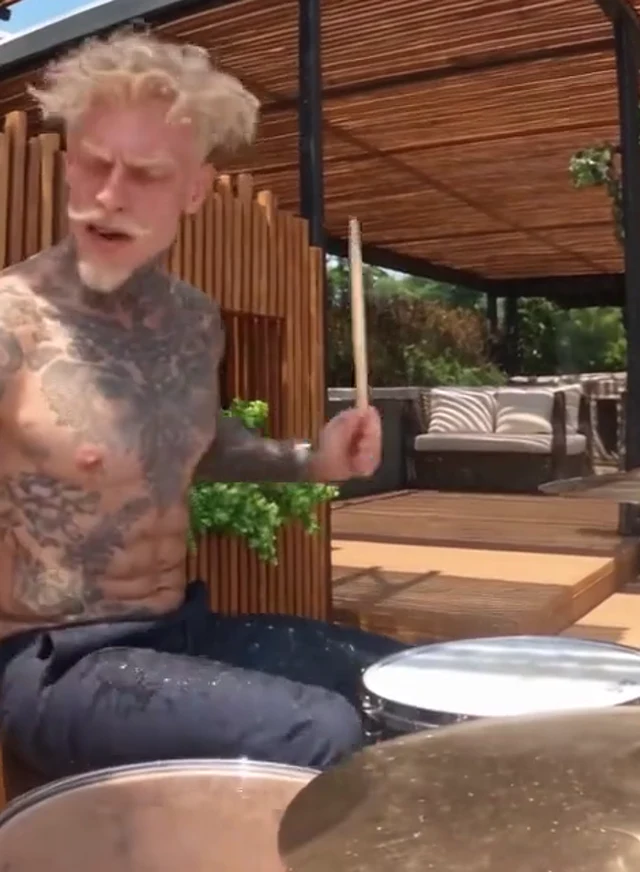
Drop in one still photo and transfer the full terrace drum solo choreography — wrist snaps, cymbal crashes, and the viral energy-drink snare splash — complete with synced drum audio.
CREATE STUDIO
Generate Your Drummer AI Video
Upload your photo, pick quality and duration, and render in one click.
VIRAL MOTION GALLERYONE-CLICK PHOTO TO VIDEO
Trending Viral Motion Effects
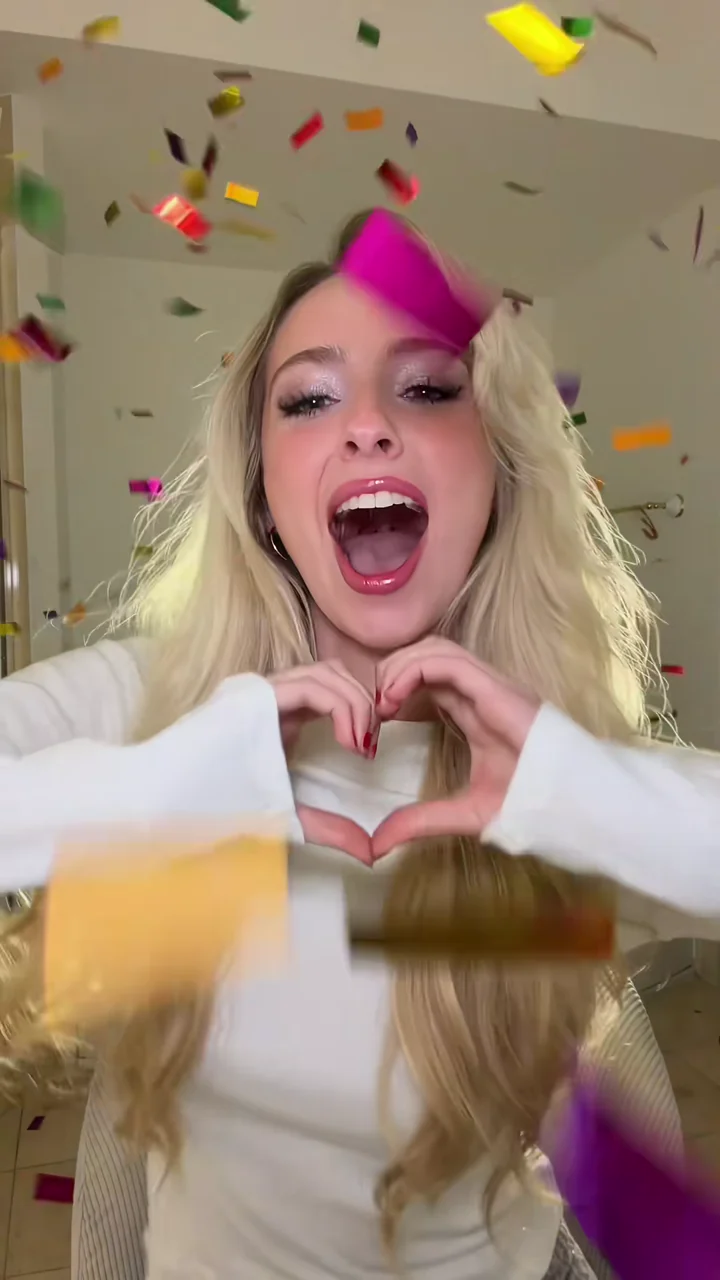
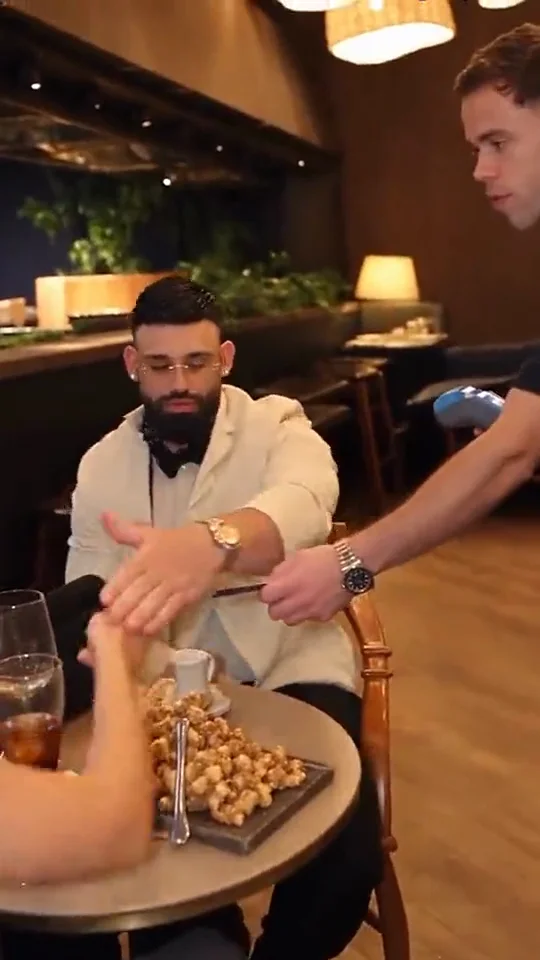
Every clip below was generated from still reference photos using pre-choreographed motion transfer and synced native audio.
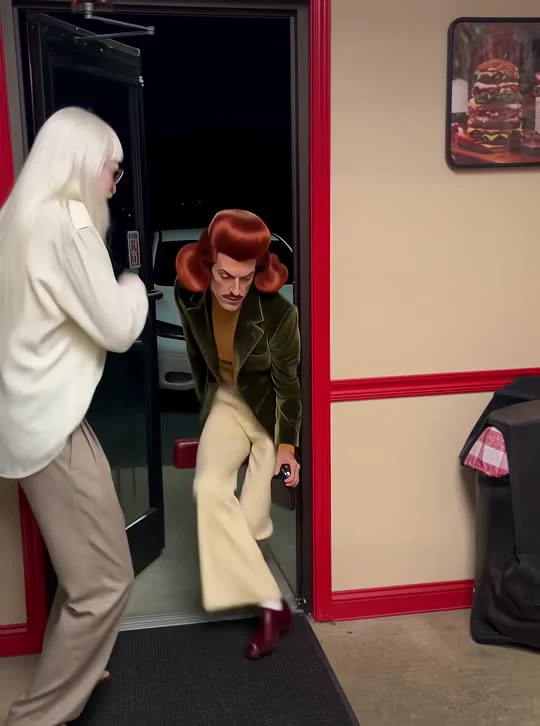
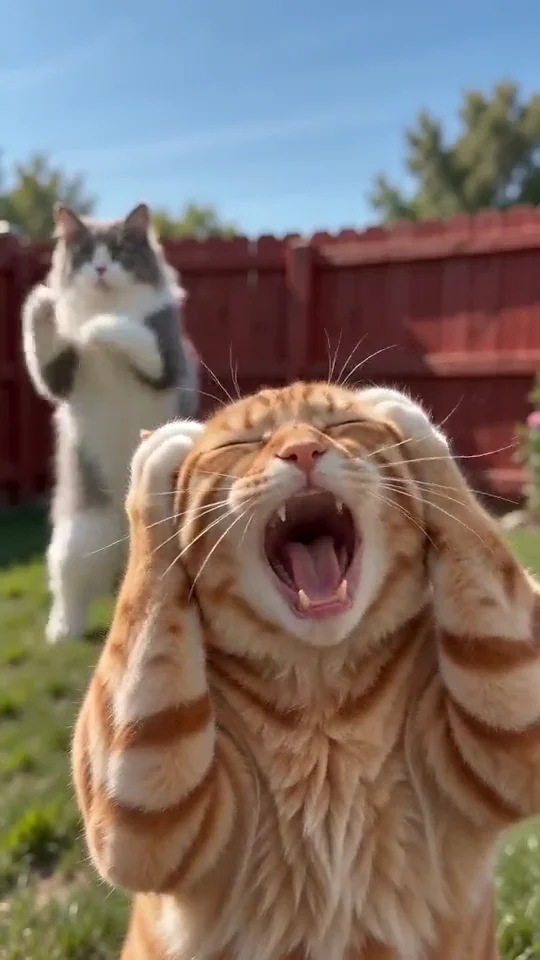
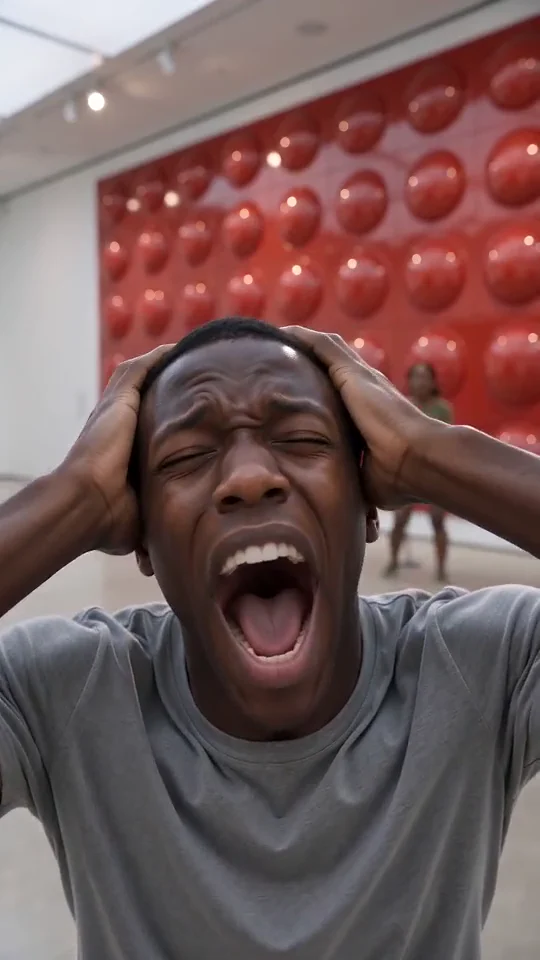
Generated Output
OVERVIEW
What is the Drummer AI motion effect?
The Drummer AI video effect turns any single portrait, character render, or pet photo into a sun-drenched poolside percussion clip. Instead of forcing you to hunt down a drum-kit reference clip or write complex camera prompts, AI Motion Control maps a pre-choreographed live percussion performance straight onto your subject.
Across the 10-to-15-second sequence, your uploaded subject locks into the seated kit position under a shaded outdoor pergola, drives rapid stick patterns across the snare and toms, cracks an energy-drink can mid-groove, pours a gleaming splash across the drumhead, and finishes with an explosive cymbal accent while droplets scatter in the daylight.
Because fast wrist flicks, drumstick trajectories, and liquid physics usually break standard image-to-video tools, Drummer AI relies on calibrated motion transfer to hold your subject’s face, outfit, and proportions steady from the first snare hit to the final crash. You get social-ready percussion energy in minutes with zero editing software or audio syncing required.
CHOREOGRAPHY BEATS
Drummer AI motion choreography breakdown
How AI Motion Control paces camera framing, subject movement, and audio cues across your Drummer AI clip.
1
01
00:00 – 00:03Seated Groove Lock-In
Waist-up framing locks your subject behind the snare, rack tom, and crash cymbal with alternating drumstick strikes and rhythmic shoulder bounce.
2
02
00:03 – 00:07Can Crack & Snare Pour
The drummer pops open an energy-drink can in motion and arcs liquid onto the snare head so every hit throws sunlit droplets upward.
3
03
00:07 – 00:13Full-Kit Fill & Cymbal Wash
High-energy tom fills, over-the-shoulder splash, and a crisp crash finish keep facial identity and clothing consistent through rapid motion.
CREATIVE USE CASES
Who shines in a Drummer AI video
One calibrated drum solo unlocks four high-performing content angles for creators, pet owners, and character artists.
Solo Portraits & Friend Pranks
Drop a casual selfie or serious headshot behind the sunlit kit to surprise friends with an unexpectedly intense poolside drum solo and snare splash.
Dogs & Cats Behind the Kit
Pet Drummer AI videos rack up huge shares because cats and dogs naturally look hilarious hammering rapid tom fills while sunlit droplets fly off the snare.
Anime, Game & Mascot Avatars
Bring 3D characters, VTuber models, or brand mascots to life with authentic wrist snap, stick rebound, and bright outdoor pergola lighting.
Music Teasers & Event Promos
Turn band member headshots or DJ press photos into punchy vertical teaser clips for TikTok, Instagram Reels, and YouTube Shorts announcements.
MOTION QUALITY
How Drummer AI keeps fast percussion sharp
Identity Lock Through Rapid Stick Motion
Fast drum fills create heavy upper-body sway that often warps faces in generic generators. Drummer AI anchors your subject’s facial geometry, hairstyle, and torso clothing while isolating motion transfer strictly to arm strikes, head nods, and expressive performance energy.
9:16 Vertical vs 16:9 Terrace Framing
Choose 9:16 vertical to keep the drummer centered above the snare splash for full-screen mobile feeds, or switch to 16:9 widescreen to reveal the entire acoustic kit, poolside palms, lounge seating, and sunny terrace backdrop for YouTube banners or lyric visuals.
10s Punch vs 15s Full Solo & Audio Choice
Pick 10 seconds for a tight hook that hits the snare pour immediately, or render 15 seconds to capture the complete tom fill and cymbal wash. Leave native audio on for live acoustic drums and fizzing splash sound effects, or mute it to dub your own track.
PHOTO PREPARATION
How to pick the best photo for Drummer AI
1
Clean upper-body framing
Use a well-lit headshot or chest-up portrait facing the camera so facial likeness and hair stay rock-solid while arms move rapidly.
2
Unobstructed face & eyes
Avoid heavy hand-over-face poses or harsh shadows; clear eye and mouth visibility lets expressions react naturally to each drum fill.
3
Pets & stylized characters work great
Cats, dogs, mascots, and 3D avatars transfer smoothly—just pick a sharp photo where the head and chest stand out clearly from the background.
SHARING KIT
Ready-to-Post Captions & Hashtags
Copy a caption tailored for TikTok, Instagram Reels, or YouTube Shorts right after downloading your MP4.
TikTok
Zero drum lessons, one photo, full terrace solo with the snare splash 🥁💦
#drummerai#aimotioncontrol#aidrummer#aivideo
Instagram Reels
Put one still picture behind the kit and let motion transfer handle the fills.
#drummerai#aivideoeffect#motioncontrol#reels
YouTube Shorts
Turned a single portrait into a live sunlit drum solo in 1 click.
#drummerai#shorts#aivideogenerator#drumsolo
CHOOSING YOUR WORKFLOW
One-Click Drummer AI Preset vs Custom Motion Control
Use the pre-calibrated preset above for instant results from still photos, or switch to Custom Motion Control Studio whenever you want to upload your own reference video.
Instant Preset Workflow
Best for fast Drummer AI clips
Upload one or two clear photos and render immediately with zero prompt writing, zero video hunting, and pre-tuned camera framing, beat timing, and synced audio. Ideal when you want a polished social post in minutes.
Custom Reference Studio
Best for custom choreography & camera moves
Already filmed your own dance clip, product pan, or acting reference? Open Motion Control Studio to upload any 3-to-10-second MP4 or MOV reference and rebuild that exact motion onto your still image with shared account credits.
MORE EFFECTS
Try Other Viral Motion Effects
FAQ
Frequently Asked Questions
Everything you need to know about photo setup, synced audio, aspect ratios, and credits.
7 quick answers
A sharp, front-facing portrait or pet photo with even daylight works best. Keeping the face and shoulders unobstructed helps AI Motion Control preserve your likeness during fast stick hits and head nods.
AI Motion Control
Ready to Create Your Video?
Upload your photo into the studio above or top up with a one-time credit pack — failed renders are always refunded.