
NEW · COMEDY SCENE EFFECT
Never Let Her Pay AI Video Meme Effect
1 Photo · Solo or Pet · 10s / 15s · Synced Audio
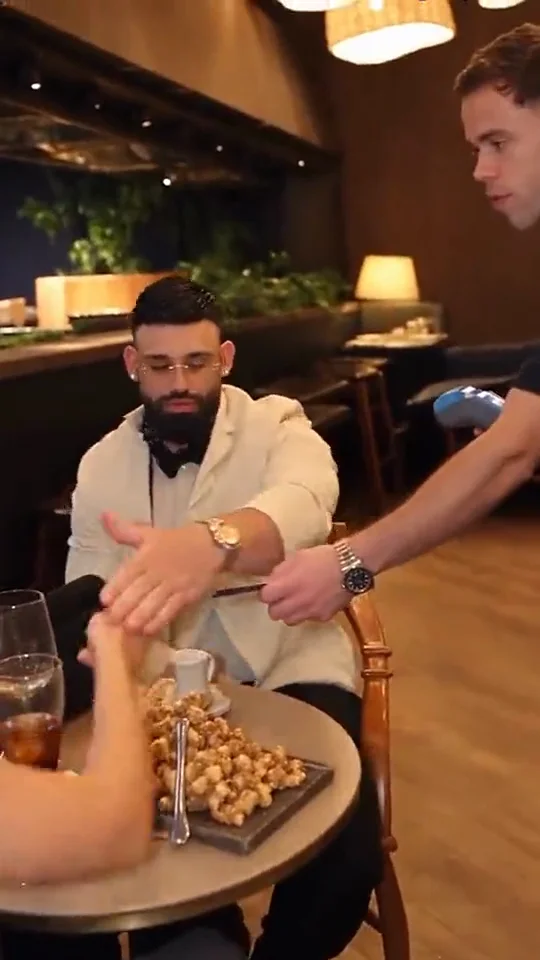
Cast yourself, a friend, or your pet in the internet’s favorite upscale-dinner punchline: wave off your date’s credit card with full confidence, unzip your pouch, and pull out a dish sponge.

CREATE STUDIO
Generate Your Never Let Her Pay AI Video
Upload your photo, pick quality and duration, and render in one click.
VIRAL MOTION GALLERYONE-CLICK PHOTO TO VIDEO
Trending Viral Motion Effects
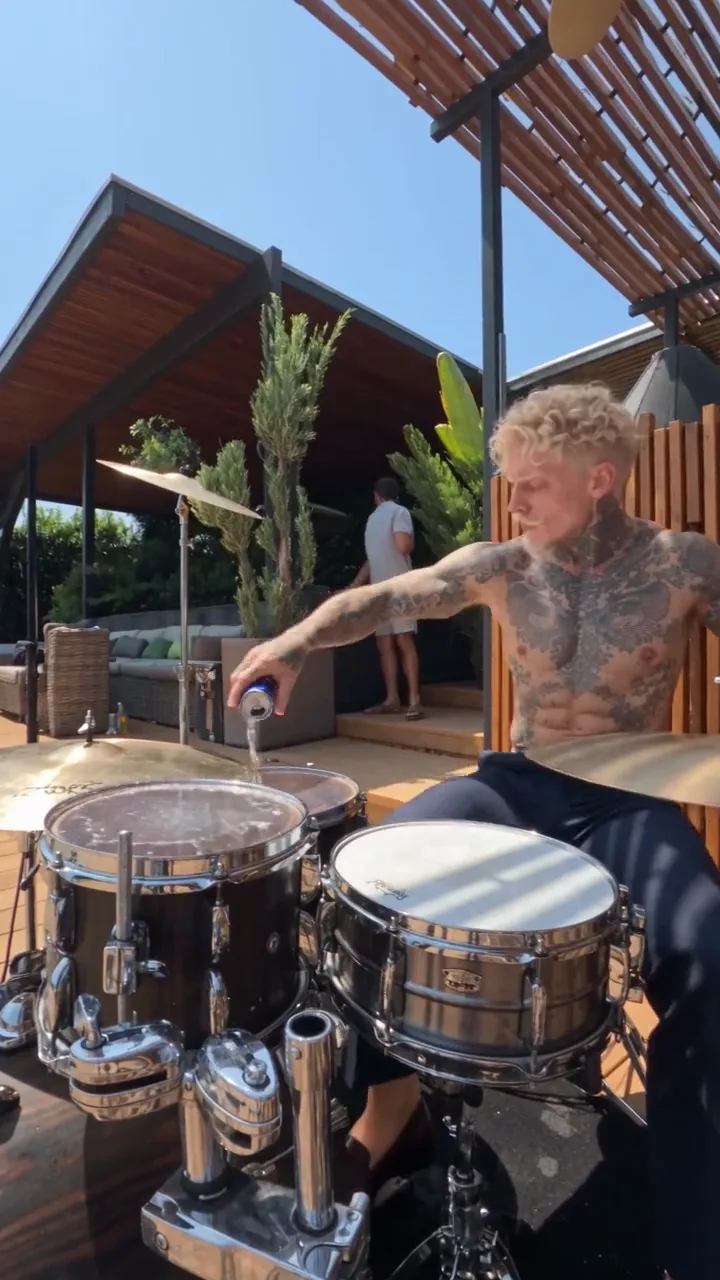
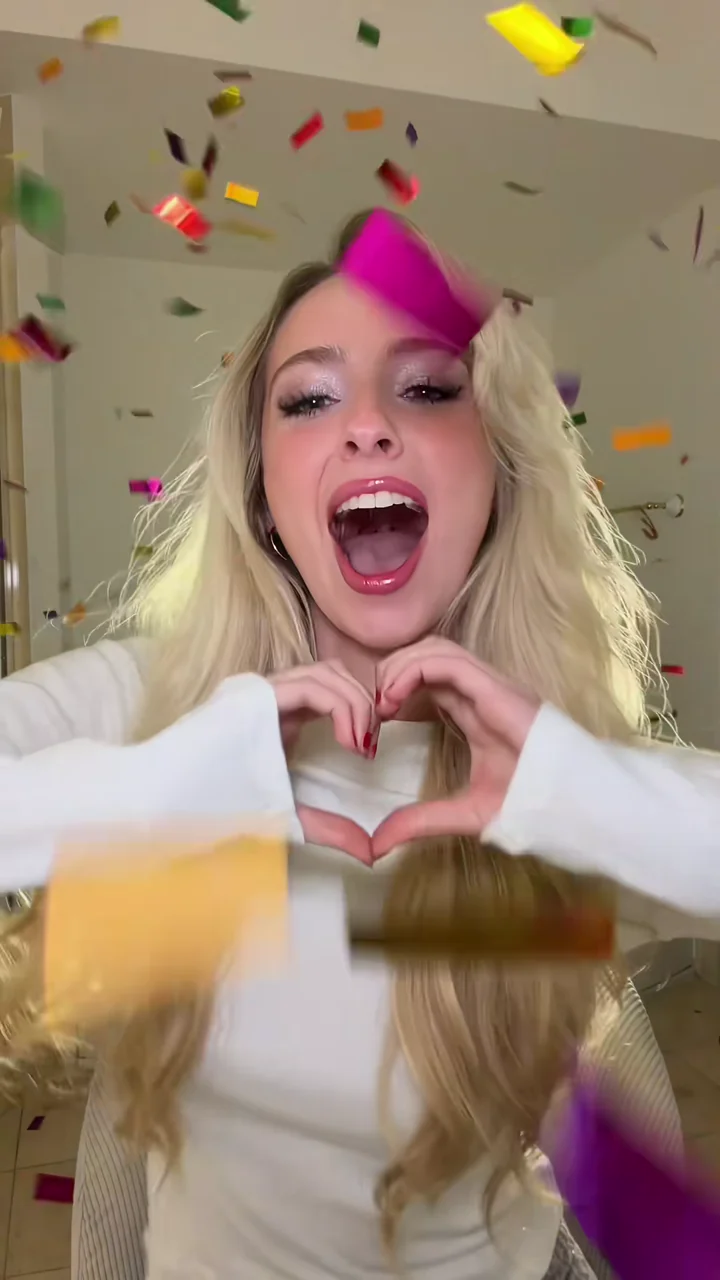
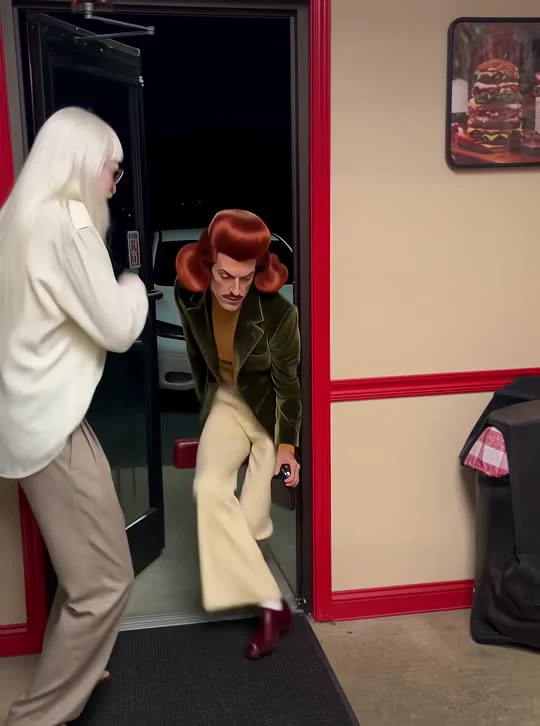
Every clip below was generated from still reference photos using pre-choreographed motion transfer and synced native audio.
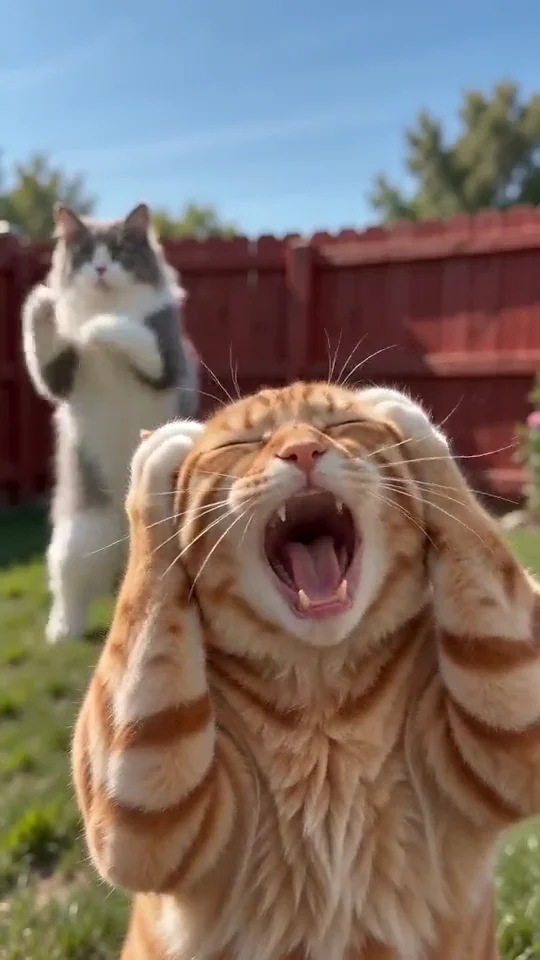
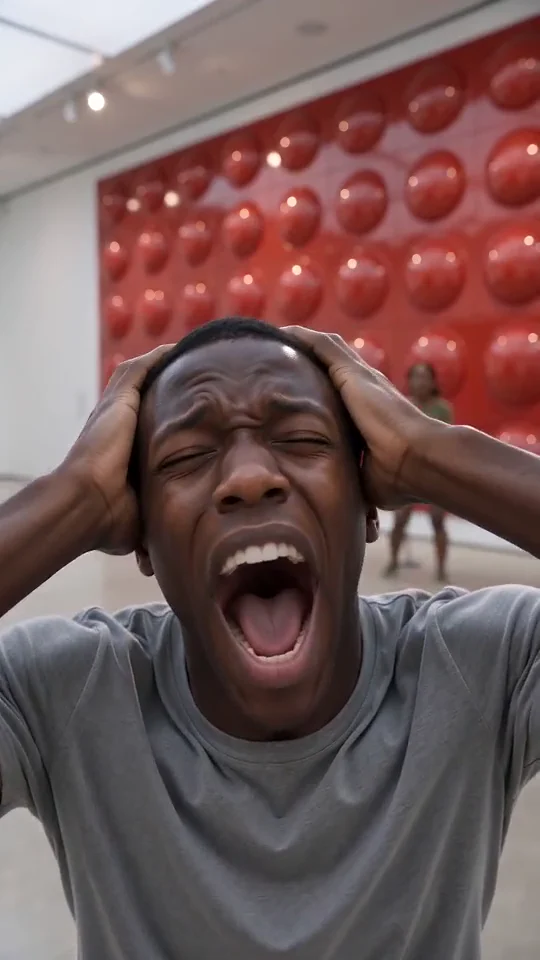
Generated Output
OVERVIEW
What is the Never Let Her Pay AI video effect?
Never Let Her Pay AI recreates the viral restaurant-check skit using single-photo motion transfer. Set under warm woven pendant lights at an upscale dinner table, the effect transfers every micro-expression, polite hand wave, pouch unzip, and deadpan punchline beat directly onto the subject in your uploaded photo.
Because comedic skits live or die on timing, this effect preserves the exact camera cuts—from the confident wave stopping your date’s card, to the close-up zipper reveal of the bright yellow kitchen sponge, to the waiter’s amused reaction and the unmistakable walk toward the kitchen sink.
Instead of filming an entire restaurant setup or splicing props together, you only upload one clean portrait. The scene matches warm table lighting across your subject’s face and outfit while preserving the exact deadpan rhythm that makes the dinner-bill twist instantly recognizable on short-form feeds.
CHOREOGRAPHY BEATS
Scene pacing & punchline breakdown
How AI Motion Control paces camera framing, subject movement, and audio cues across your Never Let Her Pay AI clip.
1
01
00:00 – 00:04The Confident Card Wave-Off
Your subject sits across the candlelit round table, gently pushes back their date’s credit card with heroic restraint, and signals the waiter.
2
02
00:04 – 00:08Zipper Close-Up & Sponge Reveal
The camera focuses tightly on the zipped pouch as your subject confidently slides out a bright kitchen sponge instead of a wallet.
3
03
00:08 – 00:11Waiter Reaction & Kitchen Cut
Amused waiter timing, restaurant room tone, and the classic dish-duty payoff land cleanly with synced ambient sound.
CREATIVE USE CASES
Funniest ways to cast this dinner-bill skit
Deadpan restaurant comedy lands hardest when the uploaded subject looks completely serious right before the sponge reveal.
Roast Your Most Frugal Friend
Upload a sharp, composed photo of the friend who always disappears when the check arrives and send the finished Never Let Her Pay AI clip straight to the group chat.
Date-Night Couple Banter
Turn a dressed-up portrait of yourself or your partner into a playful date-night reel that flips chivalry into dish-washing duty in ten seconds.
Pets Paying With Dish Duty
Seat your golden retriever, bulldog, or grumpy tabby at the candlelit table—watching a straight-faced pet unzip a kitchen sponge never fails.
Fictional Characters & Avatars
Cast billionaire game characters, anime heroes, or stylized mascots into the upscale dining room for instant fandom comedy edits.
MOTION QUALITY
Why comedic timing holds up across every cut
Consistent Lighting & Table Placement
Upscale restaurant interiors mix warm pendant highlights with soft ambient shadows. Motion transfer relights your uploaded portrait naturally so skin tones, jackets, and collars match the surrounding table, glassware, and waiter.
Crisp Prop Continuity on the Sponge Reveal
The entire joke hinges on the zipper pull and unmistakable yellow dish sponge. Keeping the card terminal, pouch close-up, and waiter reaction locked to the reference timing ensures viewers catch the punchline instantly even on silent scroll.
Ambient Dining Audio Without Fake Dialogue
Native sound focuses on realistic cutlery clinks, card-machine beep, pouch zip, and amused restaurant atmosphere—avoiding awkward synthetic speech so the visual gag carries the comedy cleanly across any language.
PHOTO PREPARATION
Best photo setup for the dinner-table comedy scene
1
Neutral or confident expression
A relaxed, confident, or slightly serious face delivers the funniest deadpan contrast when the dish sponge comes out of the pouch.
2
Chest-up portrait with clear lighting
Avoid extreme side angles or tiny distant faces; front or slight three-quarter portraits seat most naturally at the dinner table.
3
Hilarious with friends, partners & pets
Casting a golden retriever, tabby cat, or your most frugal friend as the chivalrous diner consistently gets the biggest laughs.
SHARING KIT
Ready-to-Post Captions & Hashtags
Copy a caption tailored for TikTok, Instagram Reels, or YouTube Shorts right after downloading your MP4.
TikTok
A real gentleman never lets her touch the bill 🧽🍽️
#neverletherpay#aimotioncontrol#aimeme#comedy
Instagram Reels
Put your card away, I brought my own payment method.
#neverletherpayai#aivideoeffect#funnyreels#meme
YouTube Shorts
Chivalry is not dead—the dishes are just waiting in the back.
#neverletherpay#shorts#aicomedy#aivideo
CHOOSING YOUR WORKFLOW
One-Click Never Let Her Pay AI Preset vs Custom Motion Control
Use the pre-calibrated preset above for instant results from still photos, or switch to Custom Motion Control Studio whenever you want to upload your own reference video.
Instant Preset Workflow
Best for fast Never Let Her Pay AI clips
Upload one or two clear photos and render immediately with zero prompt writing, zero video hunting, and pre-tuned camera framing, beat timing, and synced audio. Ideal when you want a polished social post in minutes.
Custom Reference Studio
Best for custom choreography & camera moves
Already filmed your own dance clip, product pan, or acting reference? Open Motion Control Studio to upload any 3-to-10-second MP4 or MOV reference and rebuild that exact motion onto your still image with shared account credits.
MORE EFFECTS
Try Other Viral Motion Effects
FAQ
Frequently Asked Questions
Everything you need to know about photo setup, synced audio, aspect ratios, and credits.
7 quick answers
No. All camera framing, restaurant lighting, waiter timing, and sponge-reveal beats are pre-engineered on the server. Just upload one photo and pick your quality and duration.
AI Motion Control
Ready to Create Your Video?
Upload your photo into the studio above or top up with a one-time credit pack — failed renders are always refunded.