
Multimodal Reference Video Generation: Directing Scene, Motion, and Audio With Seedance 2.0 & Kling Omni
Go beyond single-image animation by combining multiple reference images, motion clips, and audio cues using Seedance 2.0 Multimodal and Kling 3.0 Omni in AI Motion Control Studio.
Early AI video tools forced creators into a narrow choice: either write a text prompt and hope for the best, or animate a single static frame. Real film direction rarely works from a single reference—a director walks onto set with cast headshots, location stills, camera movement references, and a temp audio track.
That exact multi-input paradigm is now available inside AI Motion Control Studio through two specialized multimodal engines: Seedance 2.0 Multimodal (doubao-seedance-2.0 reference variants) and Kling 3.0 Omni (kling-v3-omni).
Understanding when to use multimodal reference models versus strict skeletal motion transfer (Kling 3.0 Motion Control) unlocks shots that were previously impossible without heavy VFX compositing.
Strict Motion Transfer vs Multimodal Reference: What Is the Difference?
Although both workflows accept multiple files, they interpret your uploads in fundamentally different ways:
| Capability | Kling 3.0 Motion Control | Seedance 2.0 Multimodal & Kling 3.0 Omni |
|---|---|---|
| Primary Goal | Copy exact skeletal choreography/gestures from 1 video onto 1 subject | Synthesize a new shot blending cast, props, motion feel, and audio cues |
| Reference Images | 1 subject image | Multiple reference images (up to 9 in Seedance H3) |
| Reference Videos | 1 continuous pose source clip | Up to 3 motion / camera / style reference clips |
| Reference Audio | Optional original audio passthrough | Audio-conditioned rhythm and pacing references |
| Creative Freedom | Strict pose fidelity | Flexible camera blocking and multi-element scene composition |
Rule of Thumb
- Pick Kling 3.0 Motion Control when you want your subject to replicate a specific human performance beat-for-beat.
- Pick Seedance 2.0 or Kling 3.0 Omni when you want to combine separate visual ingredients—for example, Character A + Product B + Location C + Audio Rhythm D—into a brand-new cinematic shot.
How to Structure Multi-Image + Video + Audio Inputs in Seedance 2.0
When selecting Seedance 2.0 or Seedance 2.0 Fast inside /create, the multimodal reference tray lets you attach images, short video references, and audio clips simultaneously.
To keep the model from blending traits onto the wrong character, label each reference's role clearly in your text prompt by slot order:
Example 3-Image Multimodal Prompt
- Image 1: Portrait of your lead female detective in a trench coat.
- Image 2: Close-up of a vintage silver compass prop.
- Image 3: Moody rain-drenched neon train platform environment.
The woman in the trench coat from Image 1 stands on the neon train platform from Image 3, opening the vintage silver compass from Image 2 in her palm. Slow dolly push-in toward her face as train headlights sweep warmly across wet glass in the background, 50mm cinema lens, natural rain atmosphere.Explicitly referencing Image 1, Image 2, and Image 3 tells the attention layers where each visual concept belongs instead of averaging all three images into a collage.
Adding Video and Audio References Without Overloading the Shot
When attaching reference videos or audio tracks in Seedance 2.0 Multimodal:
- Keep reference clips focused on a single quality. Upload a 4-second clip specifically for its camera orbit or lighting rhythm, and state in the prompt:
"Follow the smooth camera arc pacing of Reference Video 1". - Use clean, beat-distinct audio snippets. Short percussive loops, bass drops, or clear vocal phrases give stronger temporal anchors than muddy wall-of-sound mixes.
- Watch total media duration. Multimodal pricing accounts for reference video seconds processed alongside output duration—trimming a reference clip from 15 seconds down to the essential 5 seconds keeps iterations lean and fast.
Where Kling 3.0 Omni Excels
Kling 3.0 Omni (kling-v3-omni) shines when visual continuity and crisp texture preservation across reference frames matter most:
- Start-to-End Frame Bridging: Supplying keyframe anchors to guide how a shot begins and resolves.
- Wardrobe & Prop Continuity: Maintaining intricate costume details, jewelry, or industrial design lines while introducing natural three-dimensional camera motion.
- 1080p Studio Polish: Delivering dense, artifact-free 1080p renders that cut seamlessly beside
Kling 4.0dialogue and action takes.
A Practical 3-Pass Multimodal Workflow
- Assemble clean ingredients first: Generate or curate uncluttered character, prop, and location stills in AI Image Studio.
- Run a 5-second 720p blocking pass on
Seedance 2.0 Fastto verify that all referenced elements appear in the right spatial relationship. - Promote the winning setup to 1080p on flagship
Seedance 2.0orKling 3.0 Omnifor your final color-graded sequence.
Explore multimodal directing right now inside AI Motion Control Studio.
Author
More Posts
A More Human AI Motion Control Workflow for Everyday Creators
A practical, creator-first AI Motion Control workflow for turning rough ideas, reference clips, and small experiments into better video results.
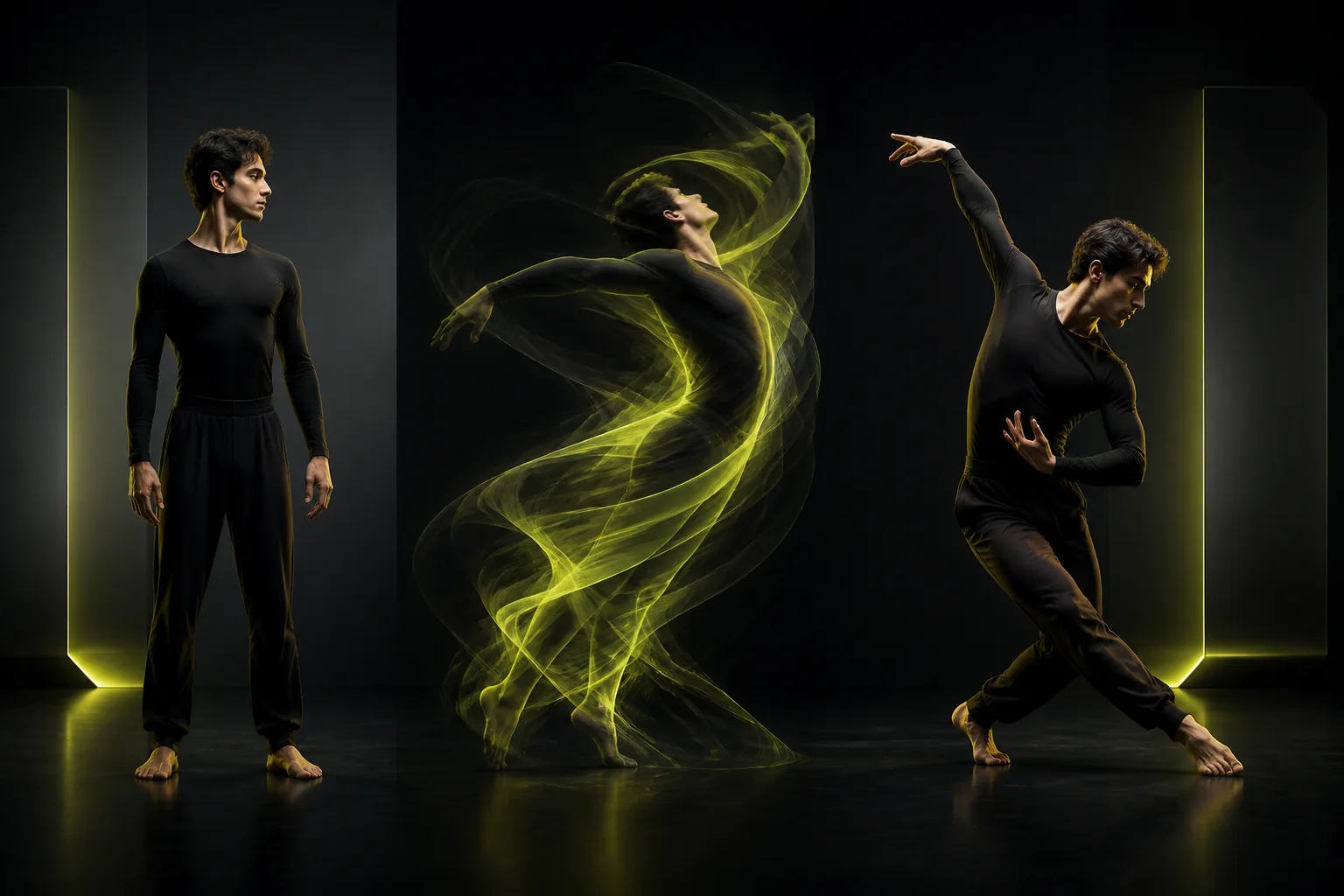
From AI Character Sheet to Motion Video: Combining Seedream 5.0, Flux.2 Pro, and Motion Control
Build consistent original characters in AI Image Studio with Seedream 5.0 Pro, Gemini 3 Pro Image, or Flux.2 Pro, then animate them in one click with Kling Motion Control.
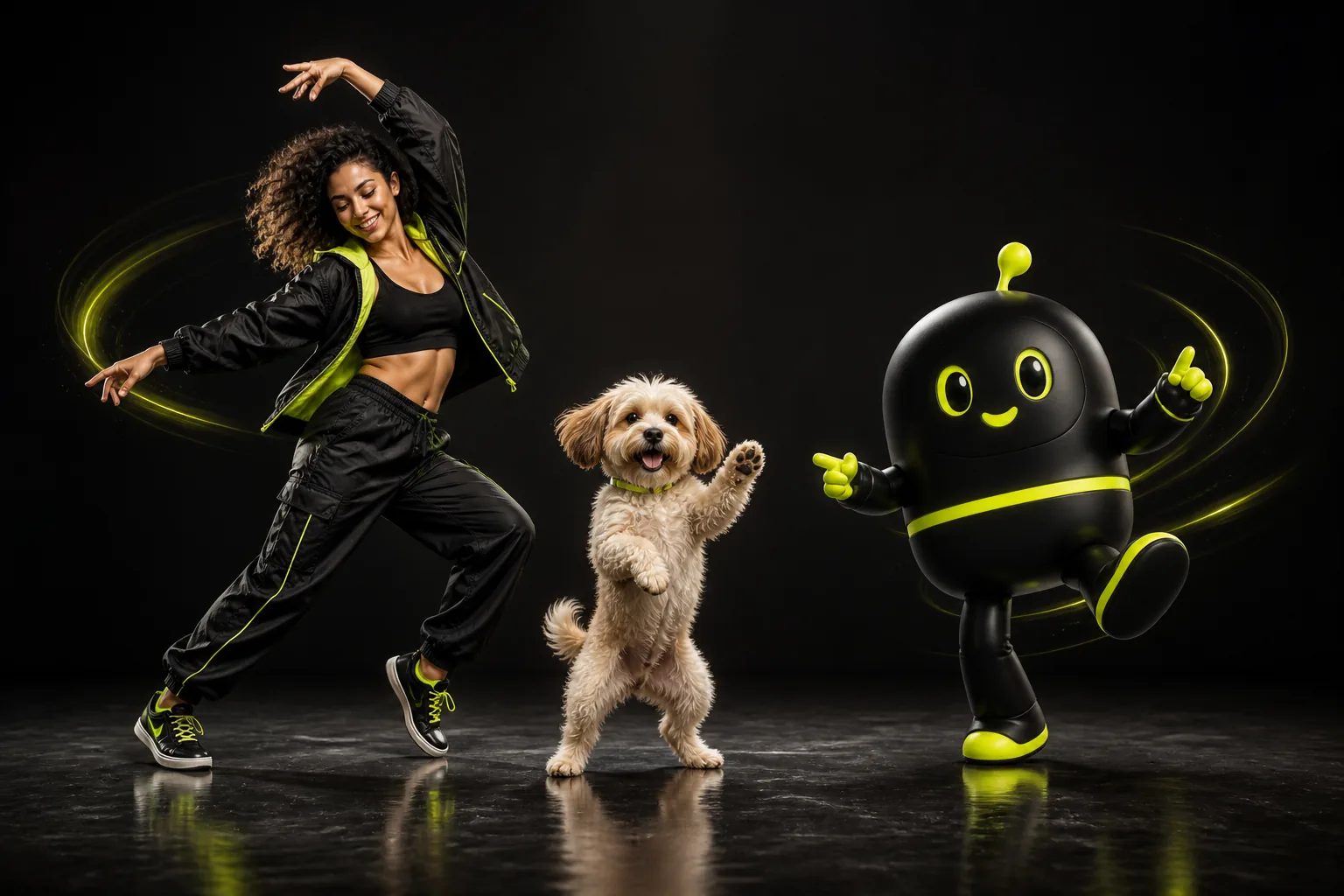
AI Dance Generator Guide: How to Turn Still Photos Into Clean Dance Videos for TikTok & Reels
Step-by-step playbook for turning portraits, full-body photos, pets, and stylized avatars into viral 9:16 AI dance videos with clean beat sync and natural motion.